升級 Win10 後發現相容性問題、運行卡頓,想回到原本的 Win7 旗艦版或 Win8.1?可利用 360 安全衛士內建的「升級助手」功能一鍵回退:
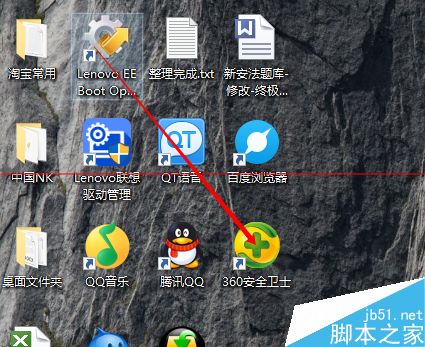
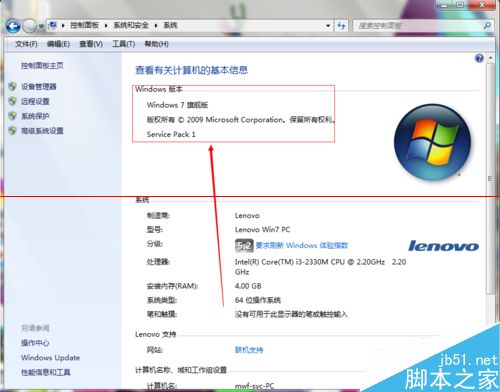
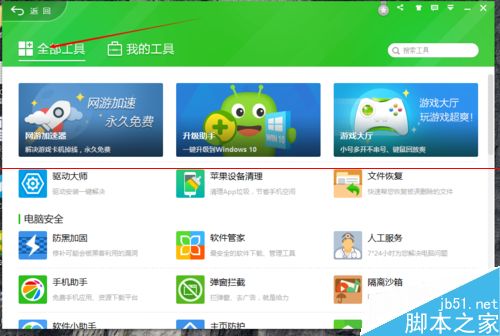
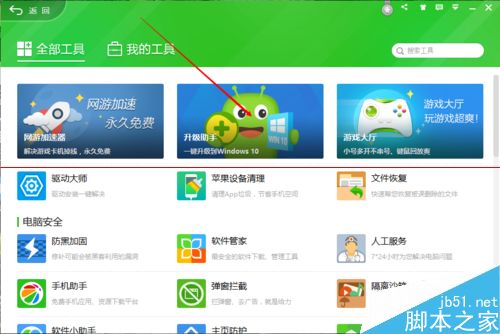
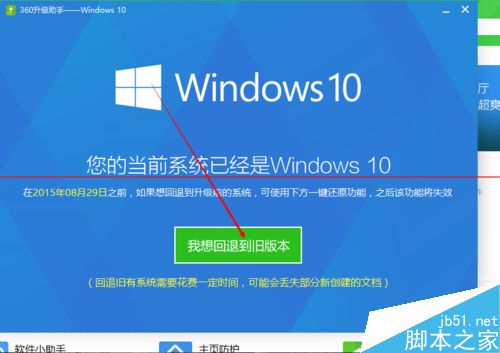
過程需較長時間,請耐心等待完成。回退後將恢復至升級前的系統環境與應用程式。
Windows 字型渲染不夠美觀?MacType 讓 Windows 也擁有 Mac 級字型顯示效果
Win10 9879 版 Steam 崩潰問題解決方案與臨時修正
Win10 無法存取網路錯誤 0x80072FBF 解決法:檢查時間與網路診斷
Win8 Wi-Fi/飛行模式開關消失變「連線不可用」?裝置管理員啟用無線網卡即可恢復
解決 Windows 7 修改 IP 位址提示「重新啟動」:啟用 DHCP Client 服務
Windows 8 自訂 Metro UI 開始畫面背景顏色與圖片:Windows 8 Start Screen Editor 工具教學