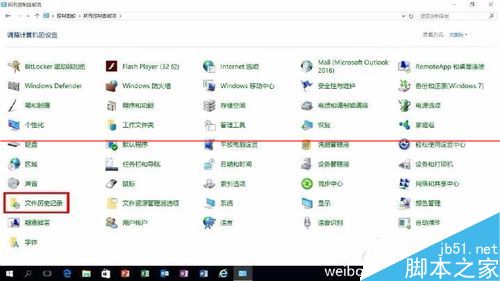
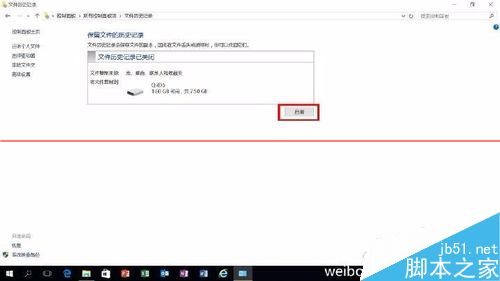
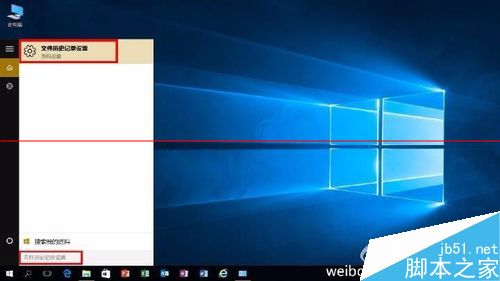
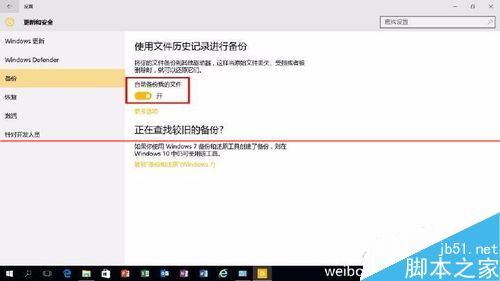
Win10 內建「檔案歷程記錄」功能可備份/還原檔案。啟用與使用方法:
Windows 8 系統故障修復:重新整理電腦與重設電腦差異詳解
Win10 內建天氣應用閃退解決方案:PowerShell 重新註冊與清除本地快取
Win7/Win8.1 雙系統預設開機項目修改教學(msconfig 指令法)
升級 Windows 10 保留內容完整說明:依舊版本與語言決定保留範圍
Win10 使用「檔案歷程記錄」將檔案備份到小米路由器(網路磁碟)教學
官方確認:盜版 Win7/Win8.1 也能免費升級 Win10,但非激活狀態且桌面有浮水印
Win7 設定密碼永不過期 圖文教學 透過本機用戶和群組
Windows 關閉 IPv6 服務完整圖文教程