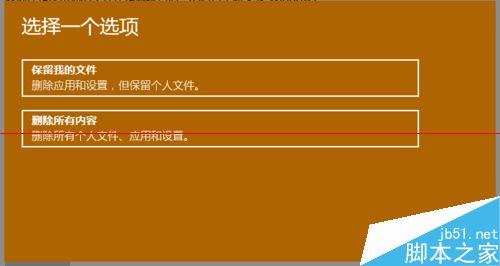
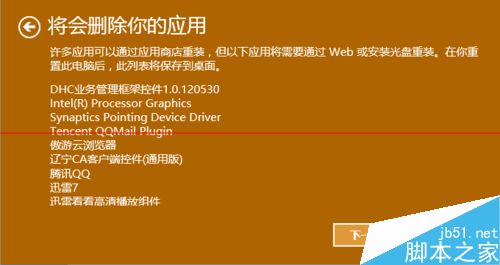
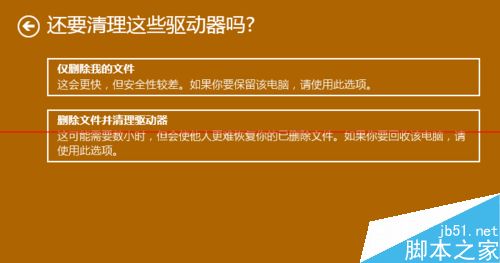
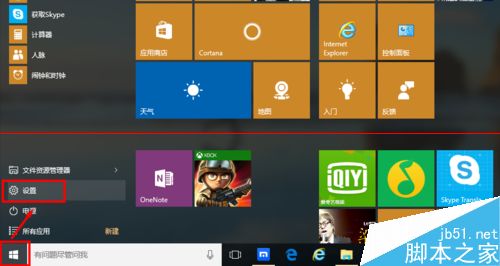
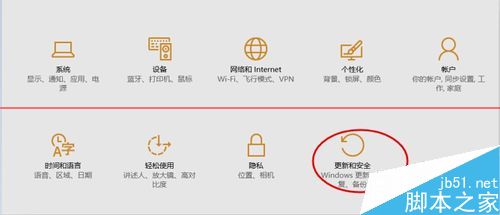
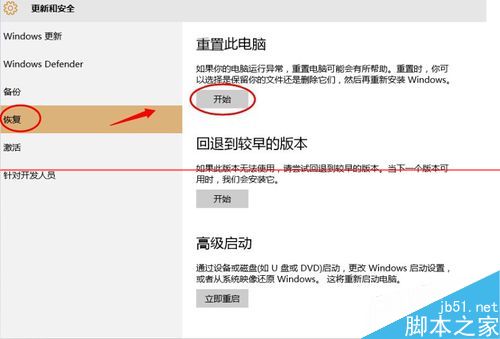
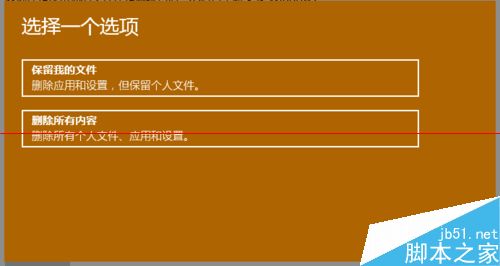
Win10 運行緩慢、舊程式不兼容想重置?提供兩種重置模式:
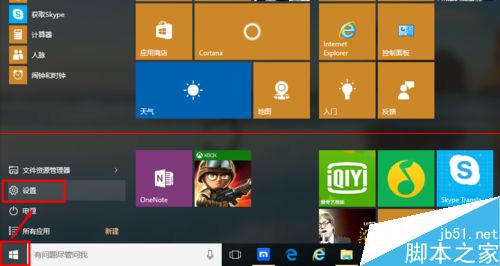
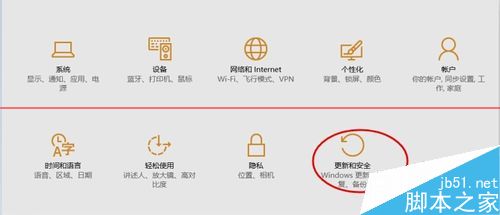
Win10 遠端桌面提示「您的認證不工作」?群組原則與帳戶類型切換雙重解法
微軟官方展示真正的 Win 10 Build 10527,修復系統資訊頁 Windows 8 Logo 錯誤
Win10 Build 14257 完整曝光:PC 與手機雙版本同步推進
Win10 登錄編輯器 (regedit) 打不開?DISM 修復系統映像 + UAC 設定雙管齊下完美解決
升級 Win10 後開機黑畫面超久?雙顯卡筆電關閉 ULPS 登錄值秒解決
升級 Win10 遭遇 0xc0000017 錯誤?BCD 清除壞記憶體標記解決:bcdedit /deletevalue {badmemory} badmemorylist