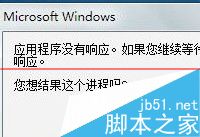
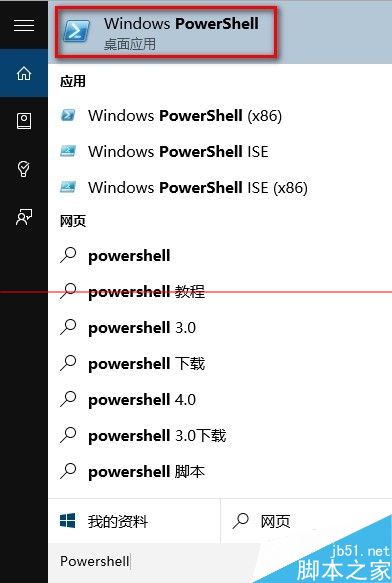
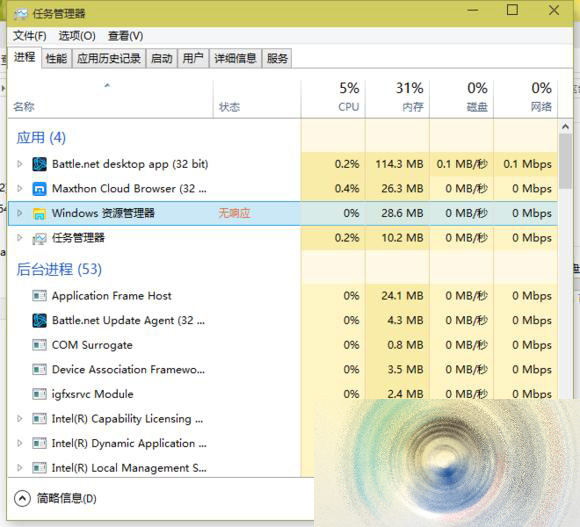
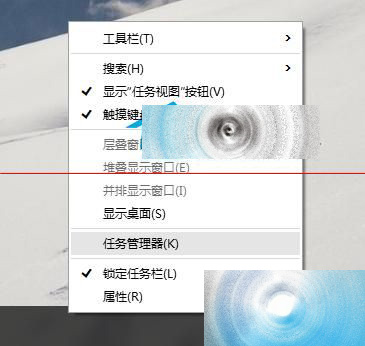
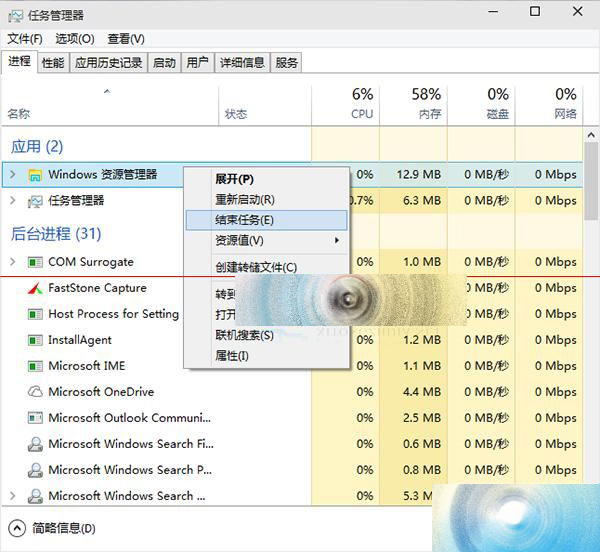
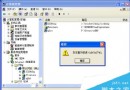
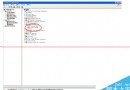
Win10 應用程式假死無回應,兩種解決方案:
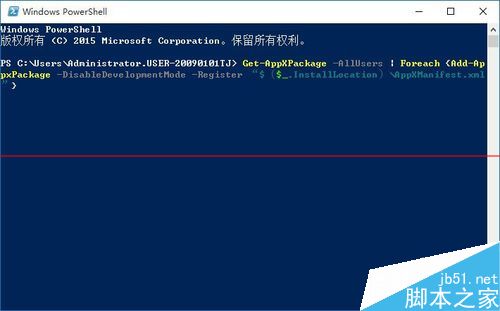
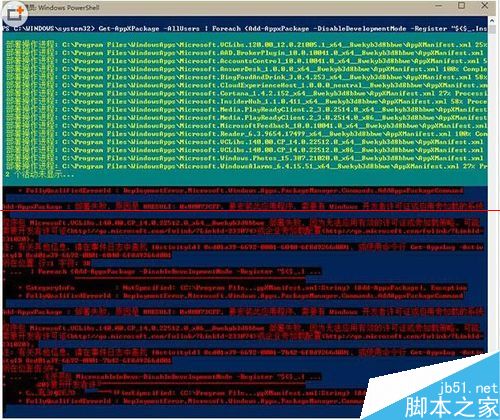
Get-AppXPackage -AllUsers | Foreach {Add-AppxPackage -DisableDevelopmentMode -Register "$($_.InstallLocation)\AppXManifest.xml"}
方法一治本 (修復應用註冊),方法二治標 (強制結束卡死程序),視情況選用。
Win10 RS2 (創作者更新) 版本號確定為 1704,4 月正式釋出,1 月底功能凍結進入修 Bug 階段
微軟公布 Windows 10 正式版服務生命週期 10 年:主流支援至 2020/10/13,延伸支援至 2025/10/14
Win10 如何關閉 Windows 檔案保護?群組原則設定「Windows 檔案保護掃描」為已停用
Win8 系統四種更新方式詳細對比:如何選擇最適合你的策略
Win10 Cortana (小娜) 沒聲音?設定預設播放裝置與停用其他裝置解決
Win10 專注模式(免打擾)完整指南:一鍵開啟、排程自動化與限制說明
微軟公布 OEM 廠商 Win10 Mobile 手機建議硬體規格三大類別
Windows 10 內建音樂應用新介面:深色主題極似 Spotify,黑白雙色調成主流