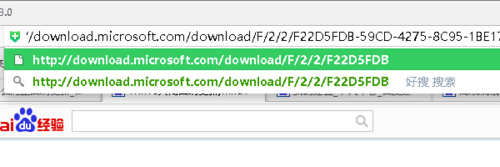
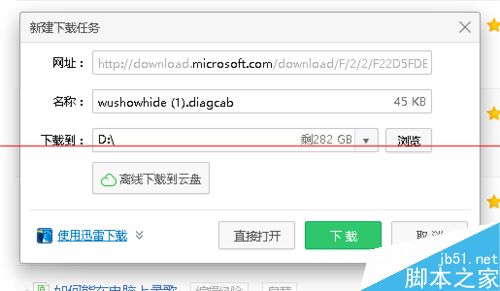
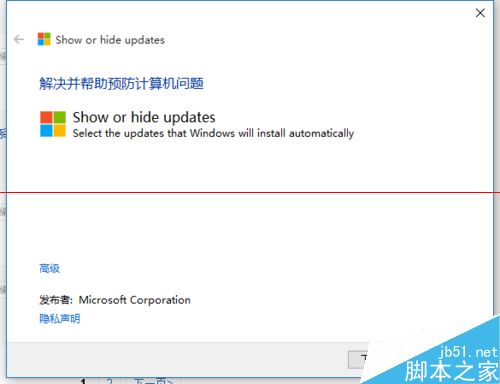
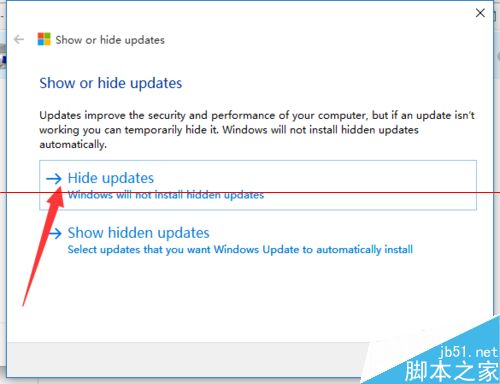
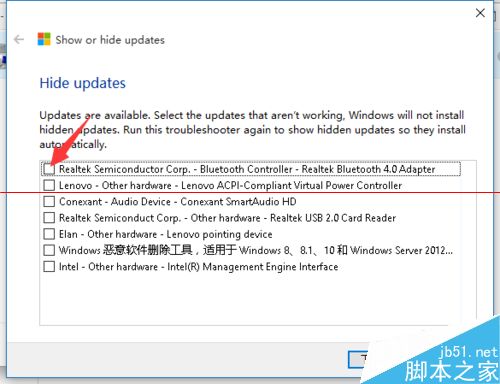
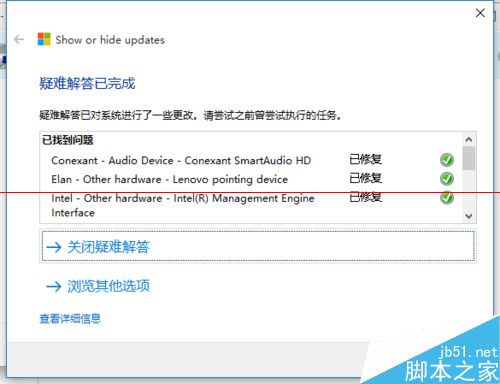
Win10 家庭版無群組原則無法直接關閉自動更新,關機時常被強制更新卡住。微軟官方釋出 wushowhide.diagcab 疑難排解包,可隱藏特定更新防止自動安裝。
wushowhide.diagcab
重新執行 wushowhide.diagcab > 選擇「Show hidden updates」 > 全選 > 確定,即恢復自動更新功能。
重要:工具檔案請妥善保存,勿刪除,未來需恢復更新時仍需使用。專業版/企業版建議使用群組原則 gpedit.msc 設定「通知下載並通知安裝」更靈活。
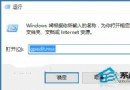
gpedit.msc
Windows 10 快速取得檔案完整路徑的 2 招:右鍵選單與 Shift 鍵技巧
Win7 免費升級 Win10 完整圖文教程:加入 Insider 計畫、保留檔案設定、終身免費
Win8 設定 4 碼 PIN 碼登入,比密碼更快、更安全、可頻繁變更
Windows 10 真內建 DirectX 12 嗎?用 dxdiag 查看實際版本號
Win10/8 ProE 5.0 滑鼠中鍵無法縮放?關閉「懸停非作用視窗時捲動」即可修復
Win10 登錄編輯器新增右鍵跳轉功能:同名鍵值快速切換
Win10 RS1 桌面預覽版 14271 如何更新?Windows Update 直接下載安裝
Win10 開機出現 Recovery 藍屏「需修復」解決法:唯有重灌系統