Windows XP Windows 7 Windows 2003 Windows Vista Windows 綜合教學 Linux 系統教學
Windows 10 Windows 8 Windows 2008 Windows NT Windows Server 電腦軟體教學
您现在的位置: Windows教程網 >> Windows教程 >  >> Windows 綜合教學 >> 關於 Windows

Win10 開機後打字延遲、虛擬鍵盤異常?新增英文美式鍵盤並修改登錄檔 00000804 即可修復

編輯:關於 Windows

開機後幾十秒內打字卡頓、切換輸入法導致虛擬鍵盤字母縮在左上角。解決方法:新增「英語 (美國)」語言並設定美式鍵盤,同時修改登錄檔鍵盤替代代碼。

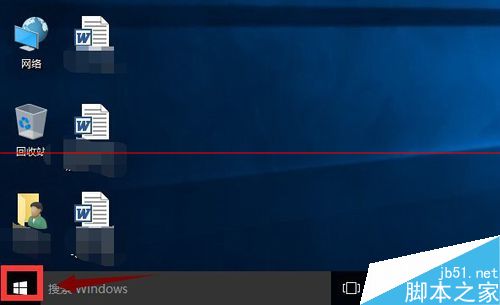
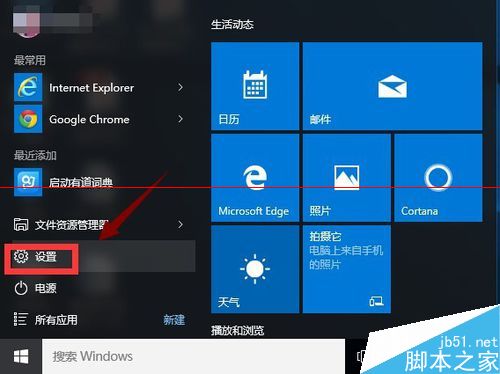
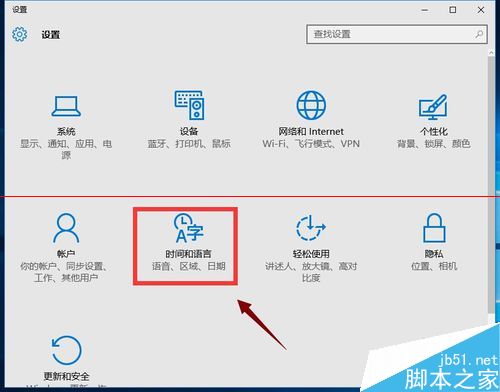
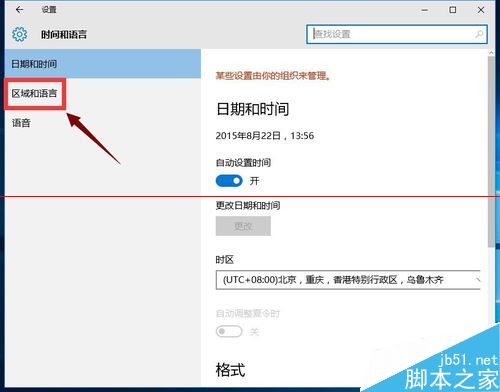
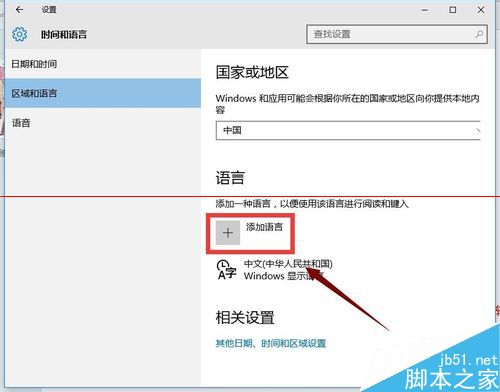
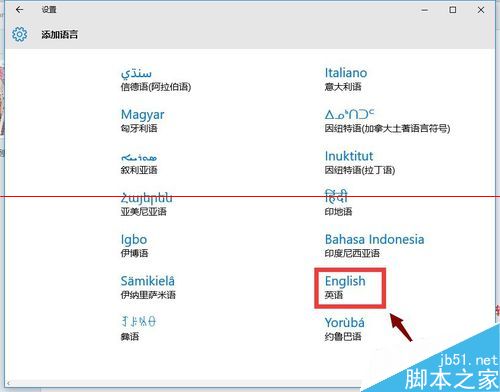
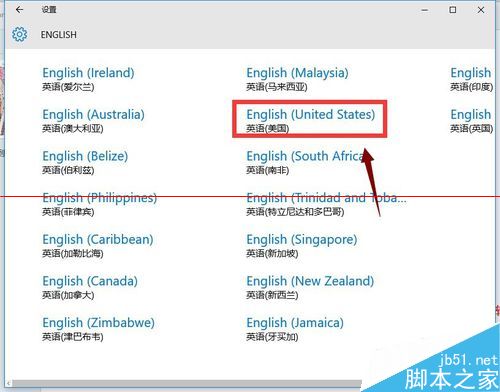
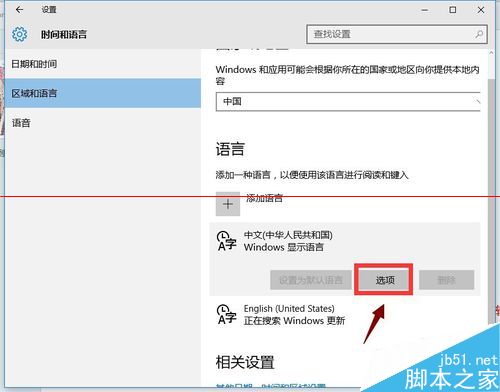
  1. 設定 → 時間與語言 → 區域與語言 → 新增語言 → 英語 (美國)。
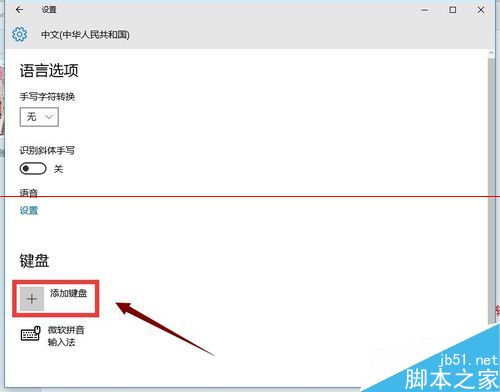
  2. 進入該語言選項 → 新增鍵盤 → 選 美式鍵盤。
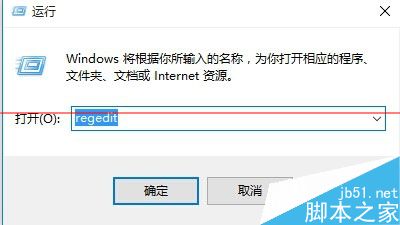
  3. Win+X → 執行 regedit。
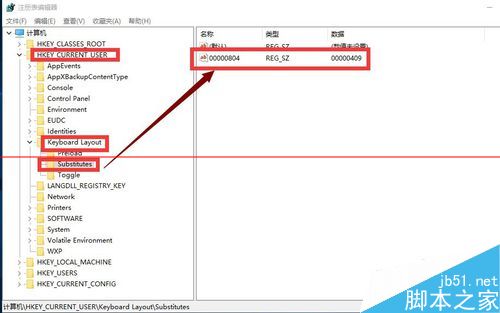
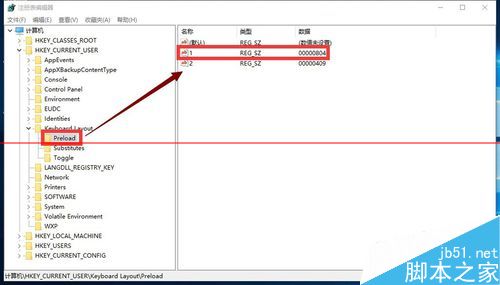
  4. 定位 HKEY_CURRENT_USER\Keyboard Layout\Substitutes,右鍵新增字串值:
    名稱 00000804,值 00000409。
  5. 回到語言選項,將中文輸入法的鍵盤改為「美式鍵盤」。
  6. 重開機生效,打字延遲與虛擬鍵盤異常雙雙解決。

Copyright © Windows教程網 All Rights Reserved