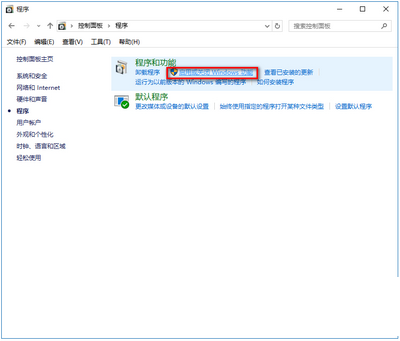
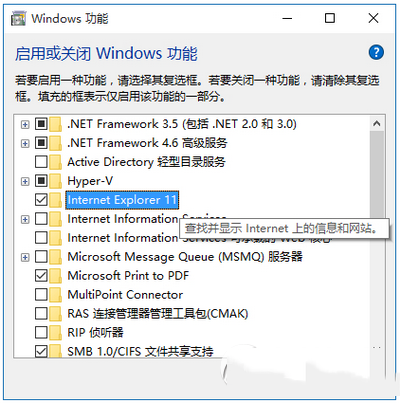
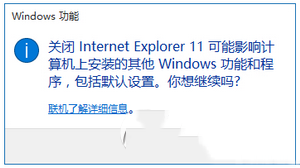
此為停用系統內建功能,非解除安裝,眼不見心不煩。
Win10 手機版何時推出?預覽版 2 月推送,官方下載連結與新功能搶先看
桌面回收站不見了?三種方法快速找回:資料夾重命名法 / 登錄表法 / 系統修復
Win7 玩遊戲提示「ijl15.dll 遺失/找不到」解決:啟用 Administrator 帳號複製 DLL 至 System32
Win10/8.1/8 磁碟使用率 100% 完整解決方案彙整
Win10 Mobile Build 14269 截圖曝光:脫胎換骨,速度飆升
Windows 8 安裝 AutoCAD 2008 完整相容性設定與破解教學