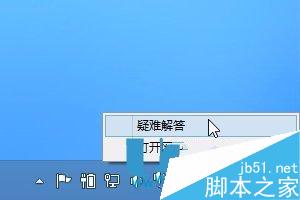
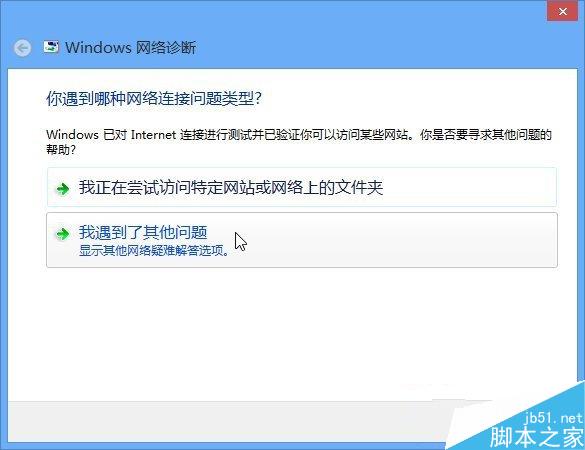
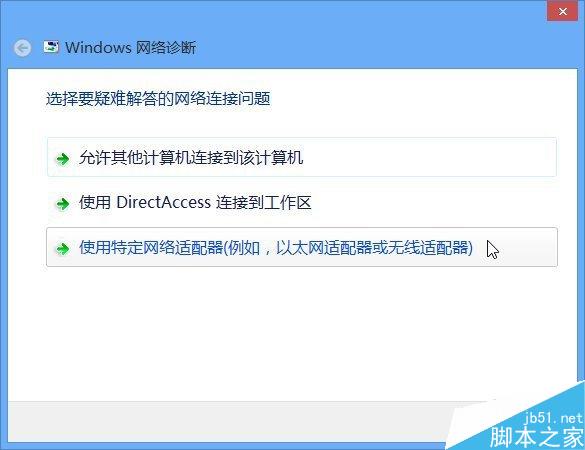
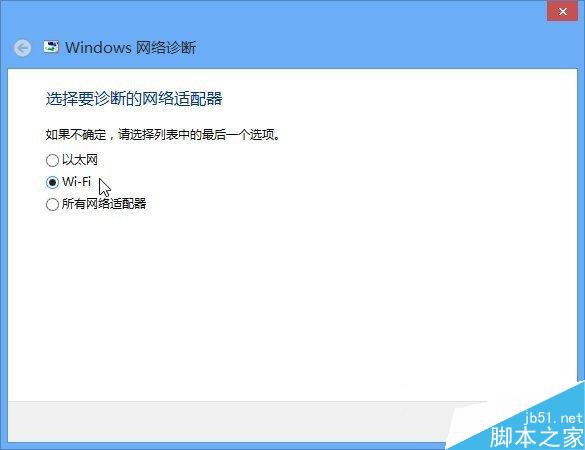
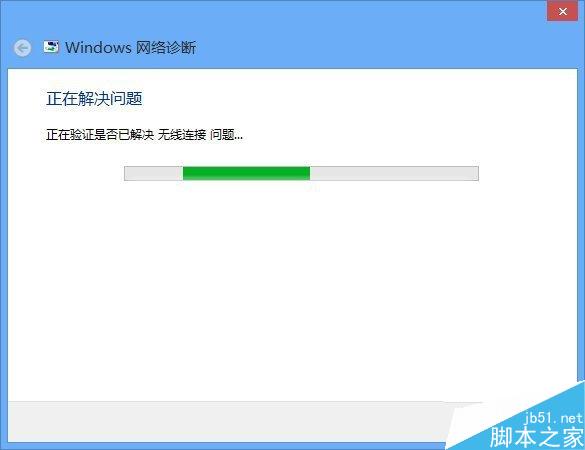
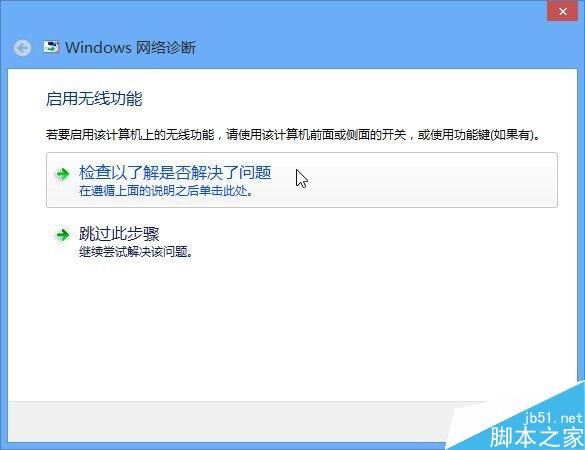
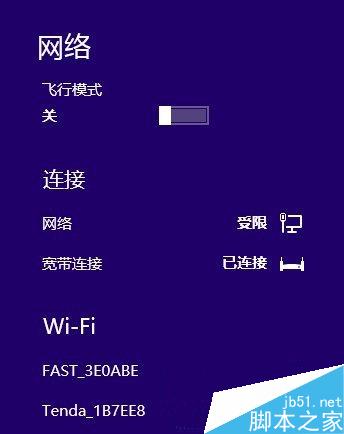
Win8 關閉無線網路後發現 Wi-Fi 開關消失或無法開啟,可用內建「網路疑難排解」自動修復:
微軟測試在 Win10 應用程式商店上架 Astoria (Android) 應用程式
Windows 7 無法玩騰訊遊戲 (CF、QQ飛車)?關閉應用程式相容性引擎一鍵解決
Windows 7 關閉使用者帳戶控制 (UAC) 提示,安裝軟體不再彈窗打擾
Windows 10 正式版最快三天後出爐:WZor 稱 7 月 15 日交付合作夥伴
Windows 10 開啟工作管理器三大法:搜尋、快捷鍵、執行指令
Windows 7 IE 設定預設首頁:指定開啟指定網站
騰訊電腦管家 Win10 升級工具被 360 誘導關閉?官方回應與盜版升級真相探討
Win7 IE 瀏覽器網頁憑證錯誤解決辦法:重新安裝受信任根憑證