XP 安装 SP3 后出现兼容性问题,可通过三种方式卸载:控制面板常规卸载、命令行 wusa.exe 静默卸载、系统还原或 Ghost 备份回滚。
方法一:常规卸载(图形界面)
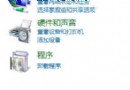
- 控制面板 → 程序 → 浏览程序;
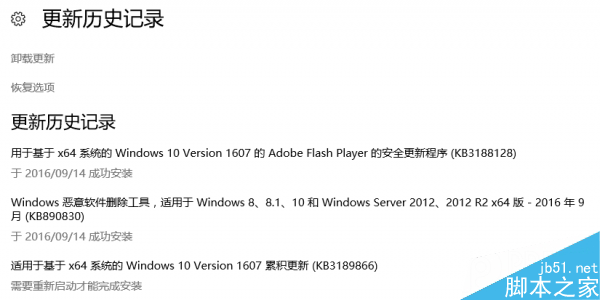
- 找到 Service Pack for Microsoft Windows (KB 976932),点击“卸载”;
- 按向导完成,重启。
方法二:命令行卸载(适合批量/脚本)
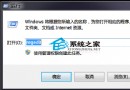
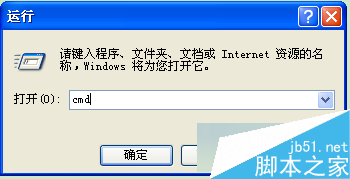
- Win+R →
cmd → 以管理员身份运行;
- 执行:
wusa.exe /uninstall /kb:976932;
- 按提示完成,重启。
方法三:系统还原 / Ghost 备份(最彻底)
- 若安装 SP3 前做过 Ghost 完整备份,恢复镜像最干净;
- 或使用 XP 自带“系统还原”,选择 SP3 安装前的还原点回滚;
- 二者均可一劳永逸解决补丁引发的驱动/软件冲突。
备注:上述方法同样适用于卸载其他 Windows 更新补丁 (KBxxxxxx)。