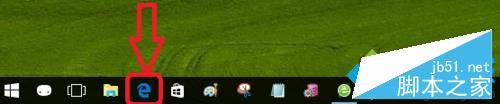
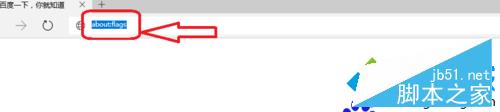
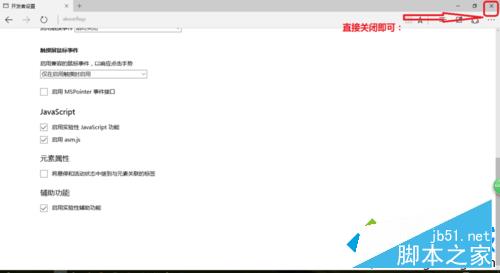
Win10 內建 Edge 瀏覽器使用一段時間後出現卡頓,可嘗試關閉實驗性功能旗標解決:
about:flags
文章附完整操作截圖,步驟簡單,適合 Edge 使用者嘗試優化體驗。
Win10 如何測試網速?兩種簡單方法:線上測速與 360 寬頻測速器
Windows XP 建立區域網路 (LAN) 讓多台電腦連網遊戲完整教學
Win7 如何關閉睡眠模式?控制台 → 系統與安全性 → 電源選項 → 更改電腦睡眠時間 → 設為「永不」
盜版與 XP 用戶也能免費升級 Win10?裝置允許即可,四大管道預裝軟體引關注
QQ for Win10 安裝教學:必須使用 Microsoft 帳號登入才能從應用商店下載
Win10 內建掃描儀功能在哪?Windows 傳真與掃描快速啟動指南
Win10 玩遊戲鍵鼠延遲卡頓怎麼辦?關閉 Xbox Game DVR 功能實測有效
Win10 玩 LOL 遊戲大廳白屏?修改 DNS 為 114.114.114.114 即可解決