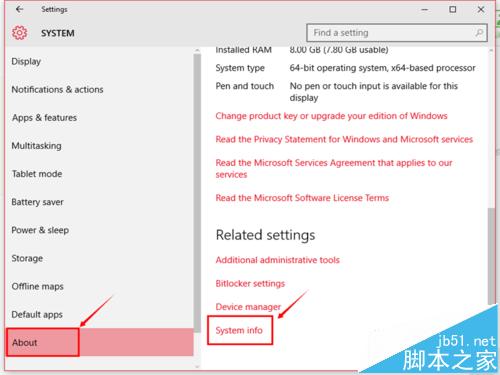
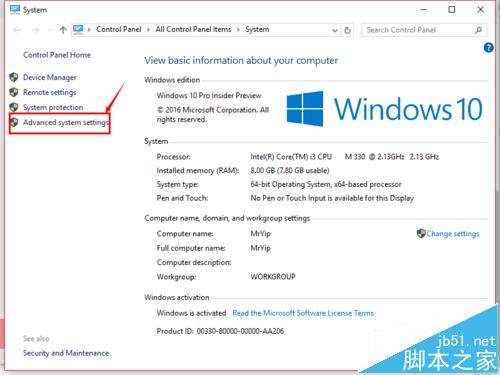
針對 Win10 Build 10565 英文版環境,說明 MySQL 環境變數配置完整流程,並強調關鍵注意事項避免常見錯誤。
bin 目錄路徑(例:C:\Program Files\MySQL\MySQL Server 5.7\bin)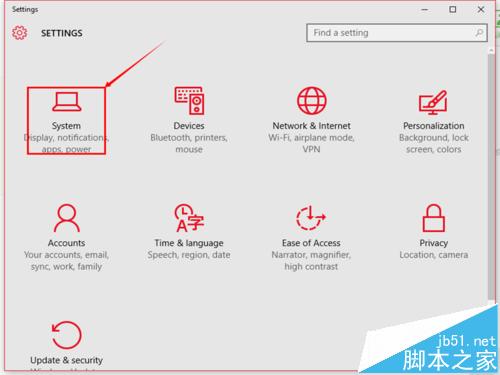
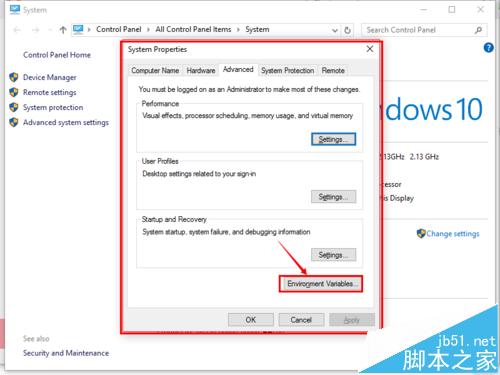
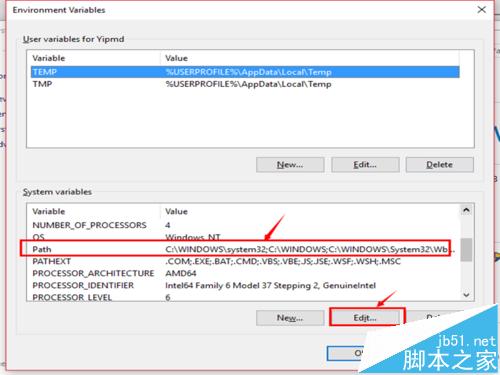
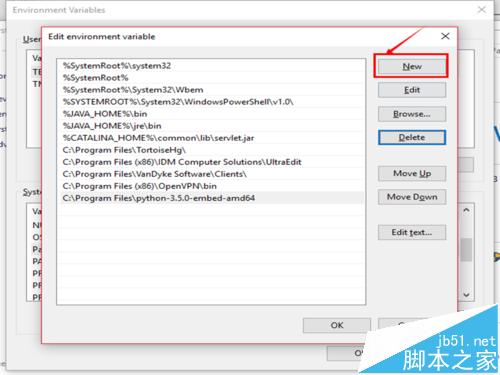
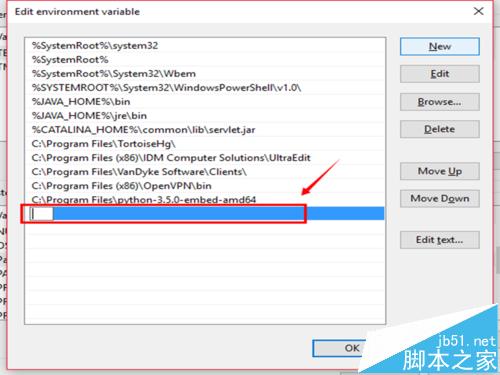
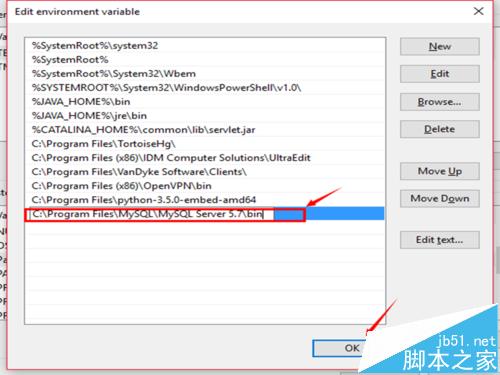
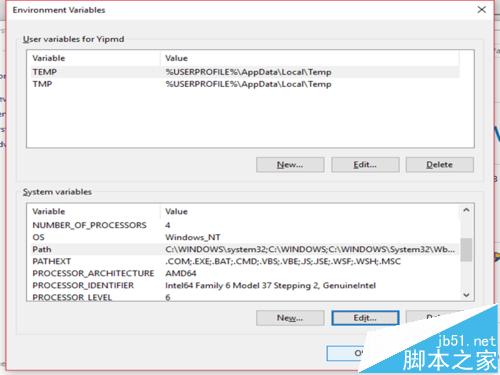
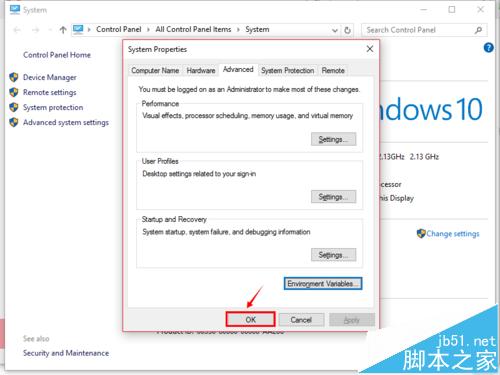
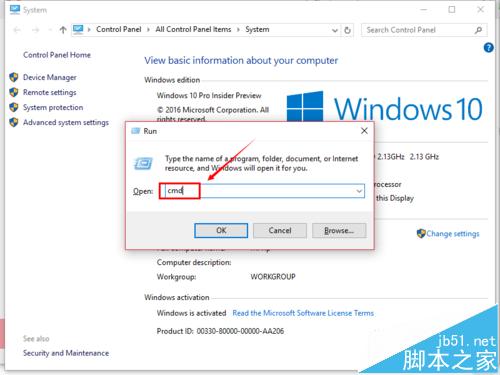
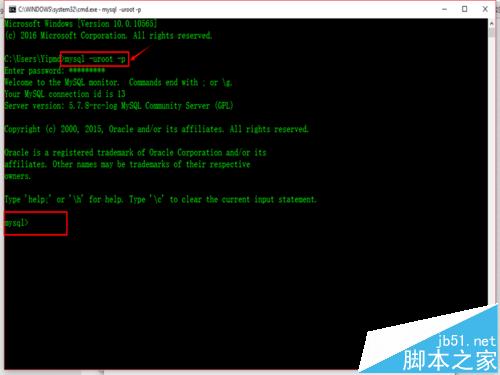
cmd → mysql -uroot -p 測試連線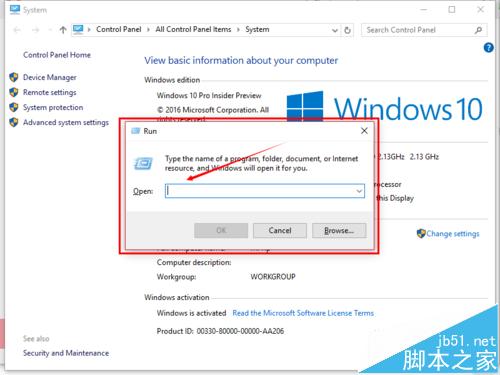
Win10 Mobile Edge 瀏覽器啟用實驗功能:about:flags 開啟更快渲染、JS 支援、捲動優化、HTML5 提升
WinXP 控制台個性化五大絕招:自訂選單、隱藏圖示、重新命名、建立專屬捷徑、直接開啟特定分頁
Windows 10 預覽版 10151 簡體中文 ISO 映像檔下載 (64 位元) 含驗證雜湊值與產品金鑰
Win7 螢幕閃一下變黑再亮?三大可能原因:顯卡驅動、顯示晶片、螢幕硬體故障排查
Windows 10 預覽版已知 Bug 彙總:開始選單卡頓、Edge 閃退、小娜衝突等
升級 Win10 1607 週年更新後想回滾舊版?設定 → 更新與安全性 → 復原 → 「回復到先前版本」10 步驟完整教學