Windows 7 預設會透過「安全中心」與「Windows 防火牆」發出各類安全警示,若您已安裝第三方安全套裝軟體,或是單純不想被打擾,可依需求選擇關閉防火牆或停用安全中心服務。
方法一:關閉 Windows 防火牆(含專用/公用網路)
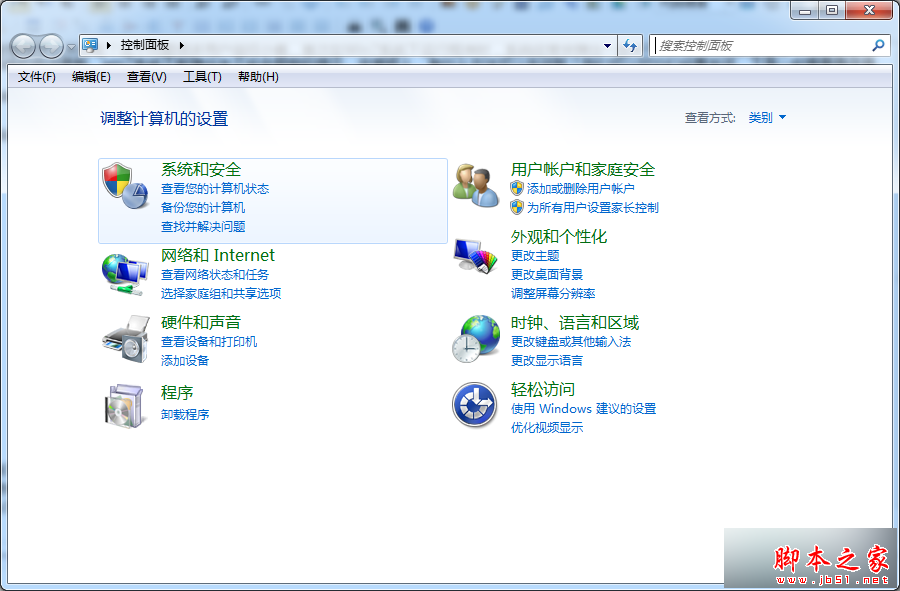
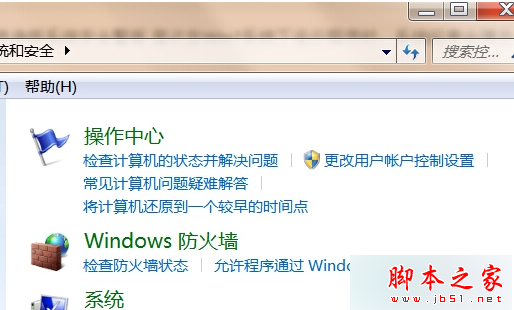
- 右鍵「開始」→「控制台」→「系統及安全性」→「Windows 防火牆」。
- 點選左側「開啟或關閉 Windows 防火牆」。
- 將「專用網路設定」與「公用網路設定」皆勾選「關閉 Windows 防火牆(不建議)」,按「確定」存檔。
方法二:停用安全中心服務(僅關閉警示通知,不影響防火牆運作)
- 按 Win+R 輸入
services.msc 開啟服務管理員。
- 找到 Security Center(安全中心)服務,右鍵選「內容」。
- 將「啟動類型」改為「停用」,按「停止」服務,確定離開。
提醒: 關閉防火牆會降低系統防護能力,建議僅在已安裝可靠第三方防火牆時操作;若僅想停止彈窗警示,停用 Security Center 服務即可達目的且保留防火牆防護。