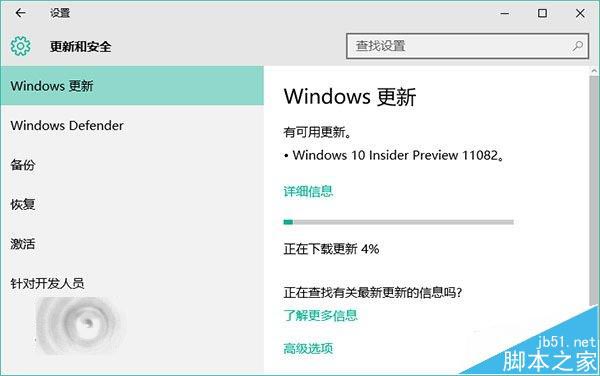
2015 年 12 月 17 日,微軟正式向 Windows Insider 計畫參與者推送 Redstone 開發分支首個預覽版 Build 11082(RS1 分支)。此更新僅限「快速通道」用戶,符合條件的裝置可直接透過 Windows Update 線上升級。
Win10 Mobile 紅石 14295 已知問題與解決方案
Windows Server 2016 TP3 Build 10537 英文版 ISO 鏡像洩露下載 (含驗證資訊與金鑰)
Win10 技術預覽版 Build 9880 曝光:即將推送給 Insider 會員
微軟釋出 Win10 10 月累積更新補丁 KB3105210、KB3106932:Edge/IE 安全性與升級相容性修正
Windows 7刪除工作列檔案總管右鍵選單「最近使用」記錄
Win7 桌面 IE 圖示刪不掉?群組原則或登錄刪除命名空間鍵值