Win10 複製檔案至同目錄會自動命名為「檔名 - 副本」。透過登錄 NamingTemplates 可自訂命名規則:
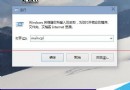
regedit → 瀏覽至 HKEY_CURRENT_USER\SOFTWARE\Microsoft\Windows\CurrentVersion\Explorer\。NamingTemplates 項則新建,在其下新增字串值 CopyNameTemplate。%s - 副本 (%s 為原檔名)。%s → 僅在檔名後加括號序號 (檔名 (1))。jb51 - %s → 產生「jb51 - 原檔名」。%s 讓副本檔名完全不同。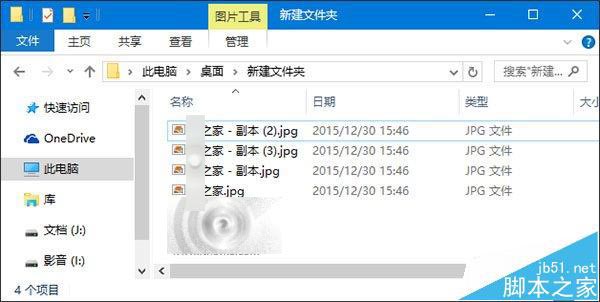
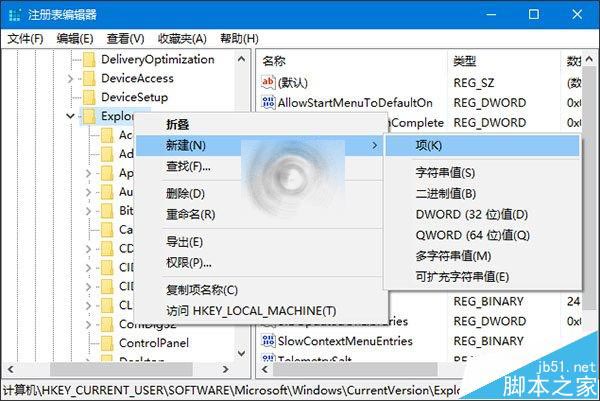
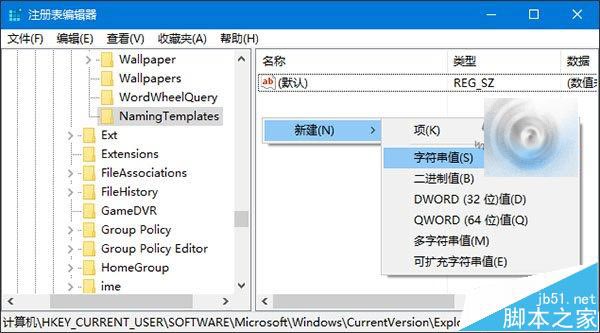
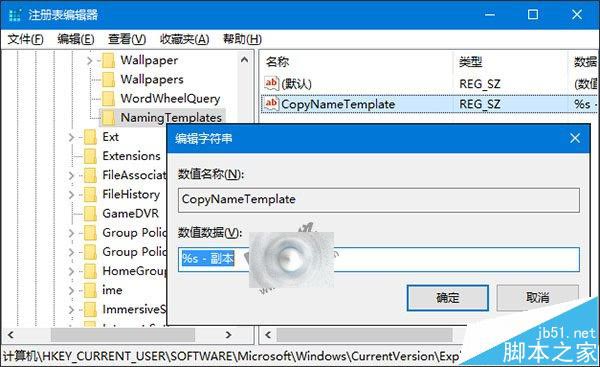
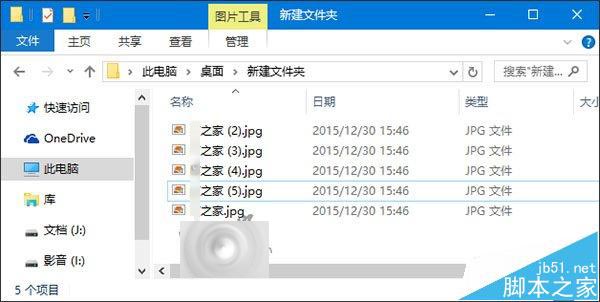
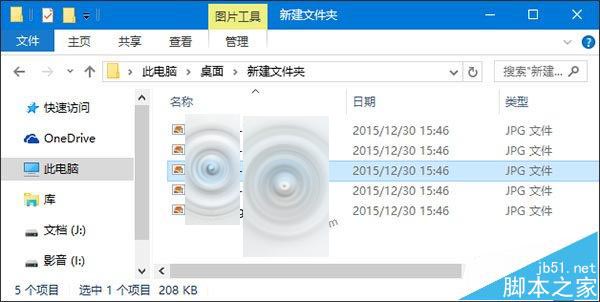
還原:刪除 NamingTemplates 鍵值即可恢復預設。操作前建議備份登錄。
Win10 搜尋功能失效?服務啟用 Windows Search 設為自動並重開機
Nadella 宣示:Windows 10 將運行於所有裝置,包含物聯網,開啟新世代平台時代
Win10 正式版 10586.75 累積更新即將推送,緊隨 10586.71 之後修正錯誤
Windows 10 關閉使用者帳戶控制 (UAC) 提示:啟用內建 Administrator 最高權限帳號
Win10 Build 10130 Fast Ring 官方簡體中文 ISO 下載 (含金鑰、SHA-1、微軟官方說明)
Win7 安裝虛擬列印機(Microsoft Print to PDF / Adobe PDF)完整教學:列印服務啟動與驅動修復