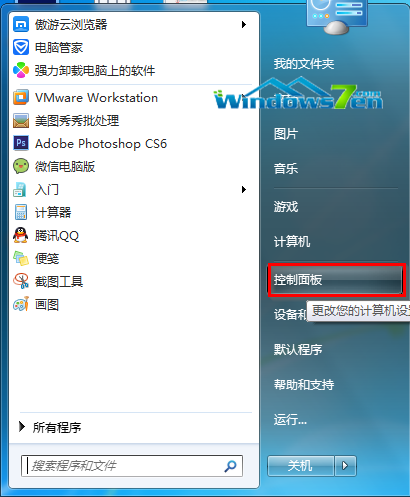
故障分析:一般由惡意軟件或木馬病毒引起。
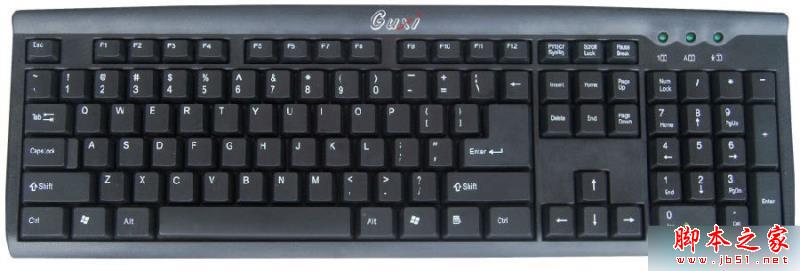
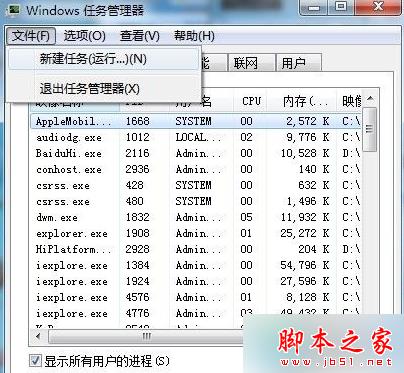
explorer.exe 確定,若桌面未恢復則 explorer.exe 文件已損壞/丟失。
Windows 文件夾複製 explorer 文件到 U 盤。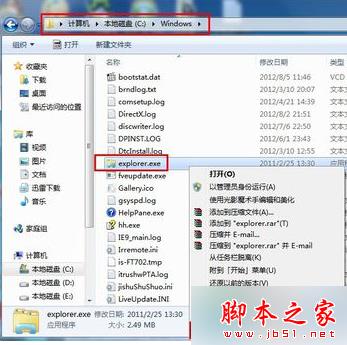
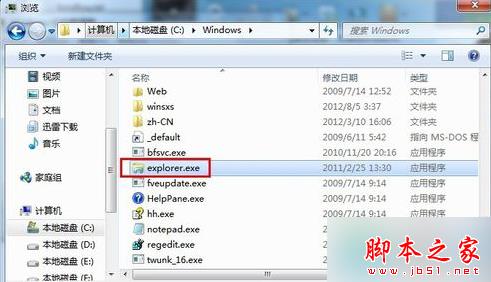

以上為 Win7 開機 explorer.exe 不啟動導致桌面無法顯示的原因及解決,一般為文件損壞/丟失,按上述方法可恢復正常。
Win10 變更桌面資料夾路徑至非系統盤:右鍵桌面→屬性→位置→移動,減輕系統盤壓力提升開關機速度
Windows 10 鍵盤失靈怎麼辦?啟用內建螢幕鍵盤應急輸入
Windows 10 Build 10240 推送首個累積更新:驗證 Windows即服務 機制,未來驚喜不斷
Windows 10 Aero Glass 毛玻璃主題即將釋出:第三方 Glass8 團隊移植進度
Win10 正式版首次升級出現黑屏、卡頓怎麼辦?盜版升級真相揭秘
Win10 Mobile 準正式版 10586.11 修復內容與已知問題完整彙總