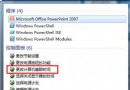
出現網頁錯誤代碼四種原因:
1. 裝系統時未裝好;
2. 硬件驅動未裝好;
3. 系統緩存不夠/太小;
4. 應用程序安裝文件與系統文件共用,刪除/損壞程序等於損壞系統。
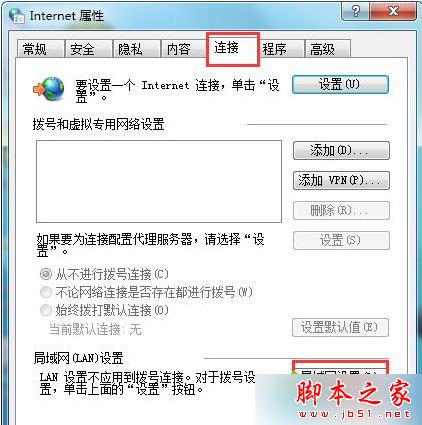
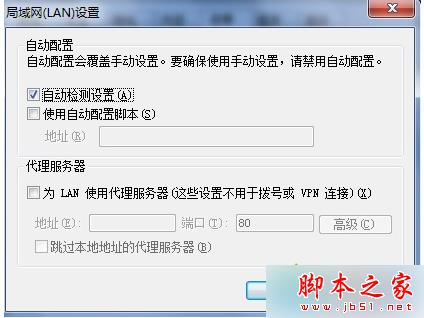
以上就是 Win8 瀏覽網頁提示 130 錯誤代碼故障原因及解決方法,方法簡單,同問題可參考設置。
Win10 移除不需的 Windows 功能釋放資源提升效能:關閉列印服務、傳真、舊版元件等
Win10 TH2 (Build 10586) 更新內容與新特性完整匯總:UI、功能、效能、應用、激活大改版
Windows 10 預覽版 Conexant 聲卡無聲音?嘗試限制最大記憶體修復
Win10 將為觸控螢幕/觸控板帶來更精準多點觸控手勢:取代 Win8.1 邊緣手勢、擴展邊緣數位化器應用
Windows Server 2008 設定多使用者遠端桌面登入完整教學
Win7 如何建立標準使用者帳號?圖文教學限制權限保護系統安全