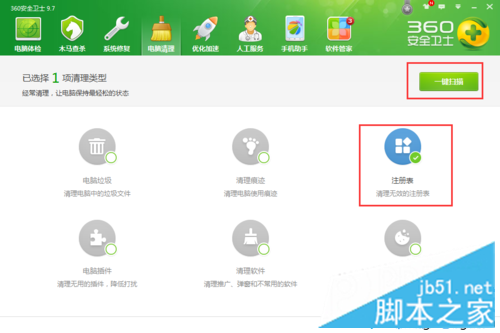
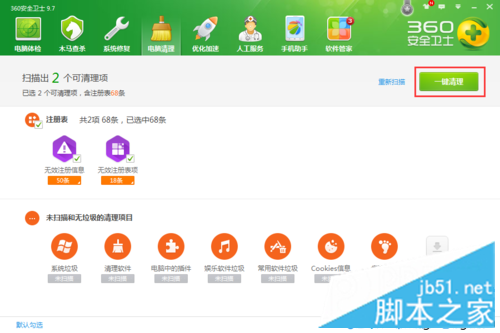
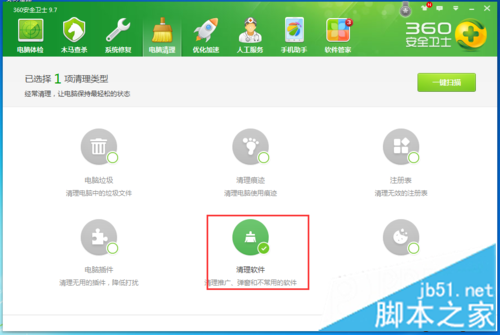
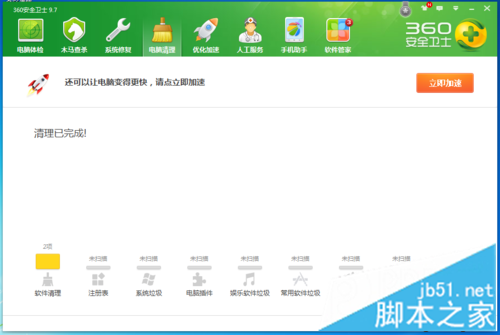
Win7 桌面右鍵轉圈卡住,重啟探索程序、重開機均無效,可用 360 安全衛士清理解決:
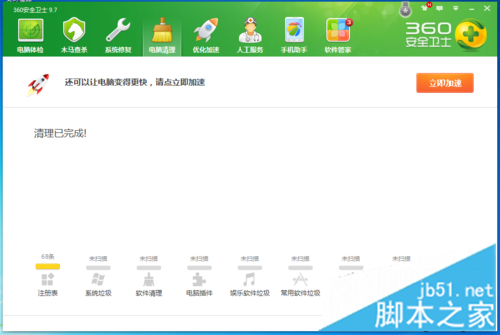
清理登錄與異常軟體後重開機,右鍵選單即可恢復流暢。
Win10 9926 官方 ISO 映像檔下載:含簡體中文 32/64 位元、SHA-1 校驗碼
Win10 Mobile 10549 新功能上手體驗影片 (重複內容)
Win10 開機錯誤 0xc0000428 修復:禁用驅動程式強制簽名
Windows 8 找回消失的應用商店磚:SFC 掃描修復系統檔案
Win10 採用先進資料壓縮技術 32位元省 1.5GB、64位元省 2.6GB 空間
Win10 15014 新功能彙總:Windows Store 電子書上架、Edge 閱讀器強化、自訂強調色、儲存空間自動清理、Wi-Fi 設定整合、電源滑桿
Win7 磁碟管理開啟三法:控制台、電腦管理、指令直達
Windows 10 9926 安裝圖解完整教學:從 ISO 掛載到建立本地帳號 19 步驟