Windows 7 點擊列印卻彈出「另存為 XPS/PDF」對話框,無法直接列印。主因是未正確設定預設實體印表機,或列印對話框中選擇的印表機為虛擬列印裝置 (Microsoft XPS Document Writer / Microsoft Print to PDF)。
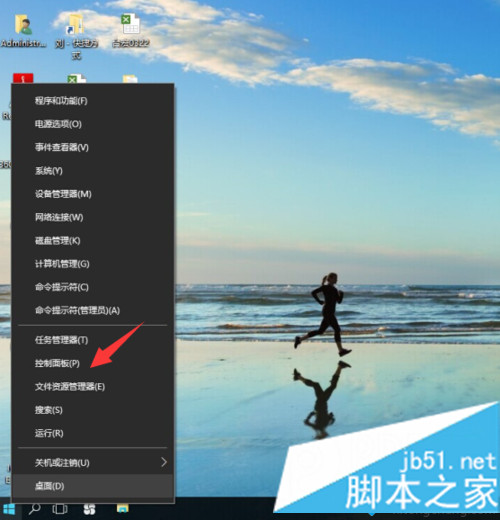
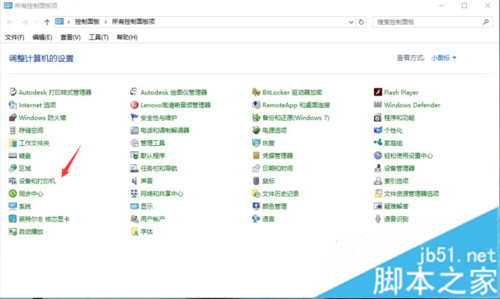
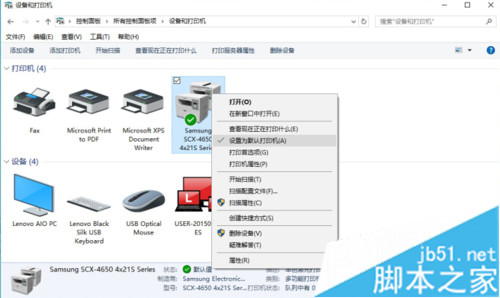
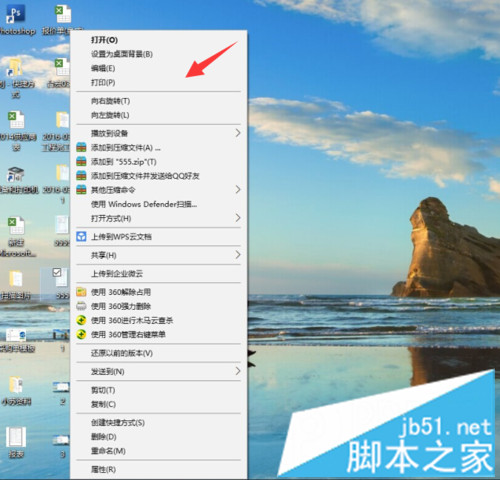
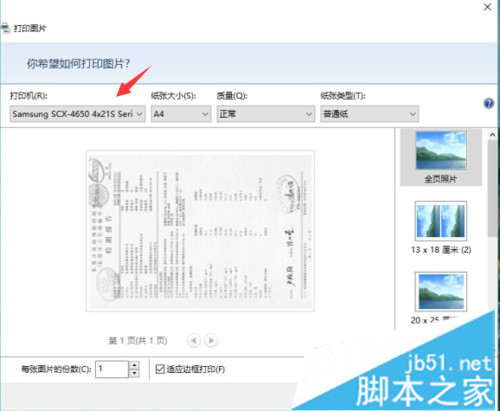
設定預設印表機並留意列印對話框的裝置選擇,即可避免誤觸發虛擬列印。
WinXP 設定 Java 環境變數完整圖文教程:JAVA_HOME、PATH、CLASSPATH 三步到位
Windows 10 升級 10158 出現 0x80072ee2 錯誤?伺服器無回應,修改 DNS 為 4.2.2.1/4.2.2.2 解決
微軟釋出 KB3081424 累積更新,疑似 Win10 首個 SR1 修補包
Win7 USB 埠故障「代碼 10」完整修復:mpfilt.sys 驅動衝突解決方案
Windows 10 關閉自動維護功能教學:解決 CPU/磁碟高載導致卡頓
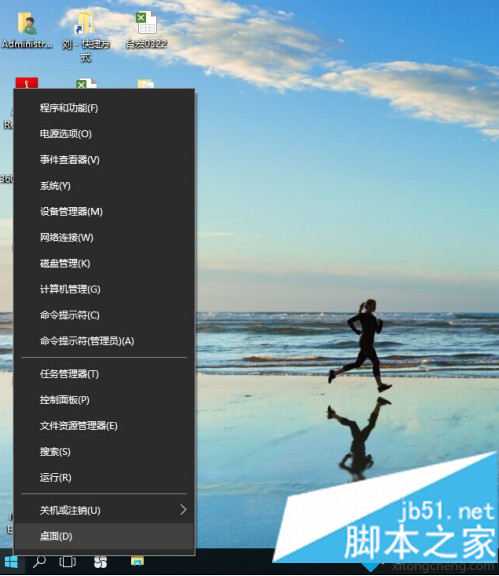
Win10 如何將 IE 釘選到工作列?搜尋功能快速找到桌面版 IE