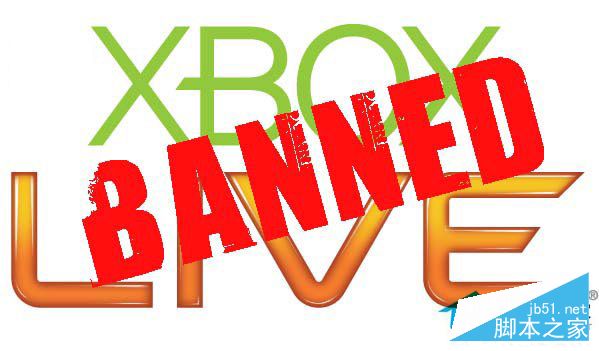
因使用非正規禮品卡/兌換碼導致 Xbox One 帳號被大規模封禁,但仍可透過官方申訴流程嘗試解封。
申訴步驟
- 收到封禁郵件 → 點擊綠色按鈕 Apply for Review(申訴)。
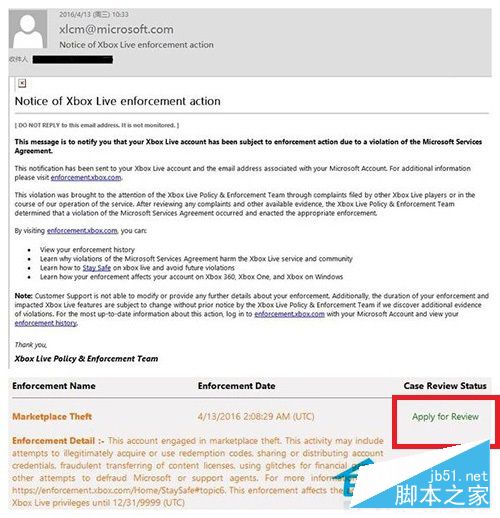
- 回答 10 道英文判斷題(不懂可用翻譯工具)。
- 撰寫英文申訴信(例:「I didn't know what happened... please check if it's a mistake. I want to play games.」),點擊 Submit。
- 等待微軟回覆郵件,若狀態顯示 Changed 即可能已解封,至 Xbox 官網查看 Live 狀態確認。
提醒:申訴不保證 100% 成功,但不嘗試則無機會。封禁主因為黑卡、退費、帳號共享等違規行為,跨區購買非主因。