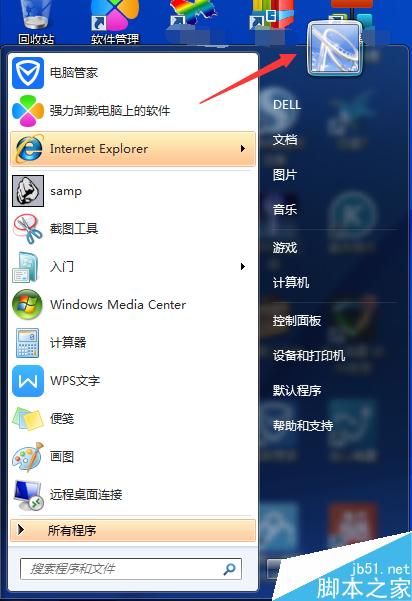
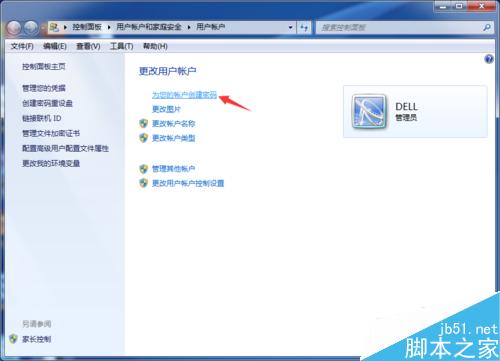
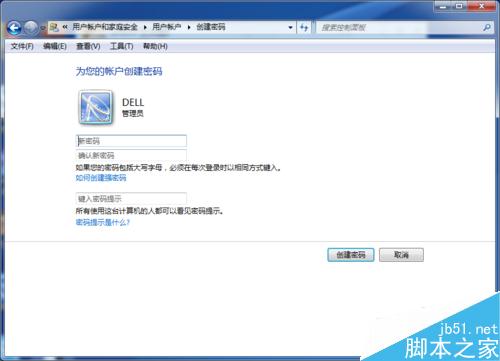
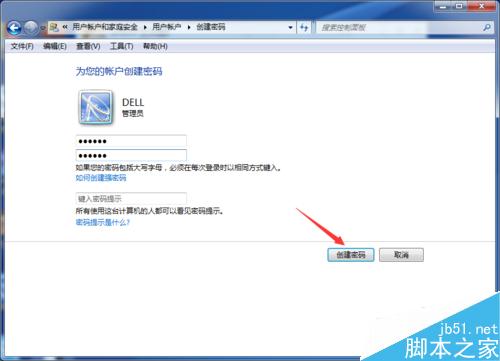
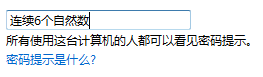
Win7 設定開機/登入密碼防止他人 (小孩/同事) 隨意使用,操作極簡單,無需重啟即時生效。
設定完成後,每次開機/喚醒/鎖定皆需輸入密碼。
Win10 Mobile 10149 安裝無反應?電量未滿 40% 為主因,充電即解
Win7 啟用後網路服務異常?RPC/Plug and Play 服務檢查與網路屬性重置
Win10 開始選單手動置頂應用技巧:加入隱形空格讓最愛排第一
Win7 建立寬頻連線捷徑完整圖文教學
Win10 企業版官方 ISO 下載與安裝全圖解:需微軟帳號登入註冊
Windows系統輸入特殊符號全攻略:三大主流輸入法操作教學
Win7 錄製電腦內部聲音(立體聲混音)完整設定教程:無需外接線材
Win7 桌面圖示變成只有文字?刪除 Shell Icons 登錄鍵一鍵修復