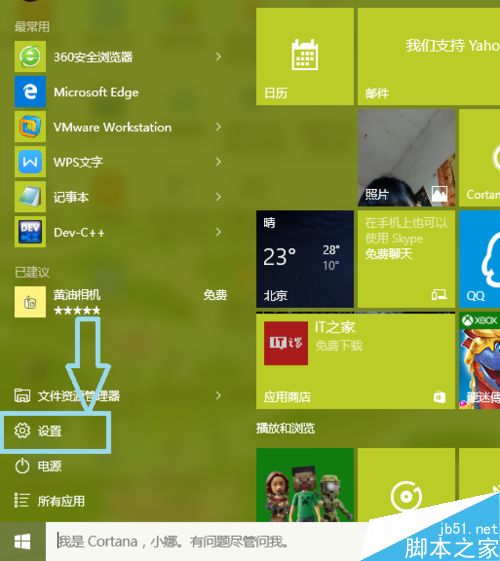
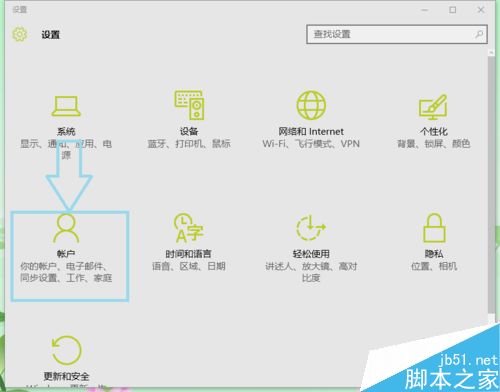
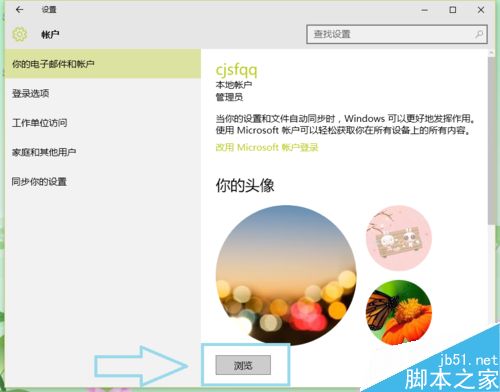
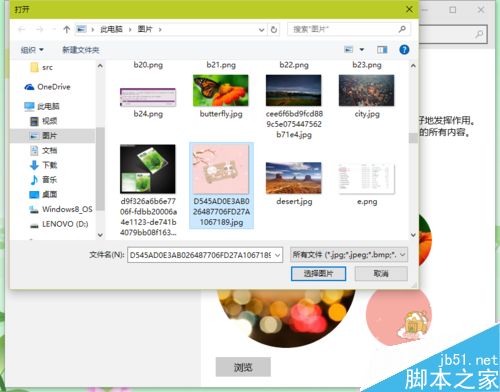
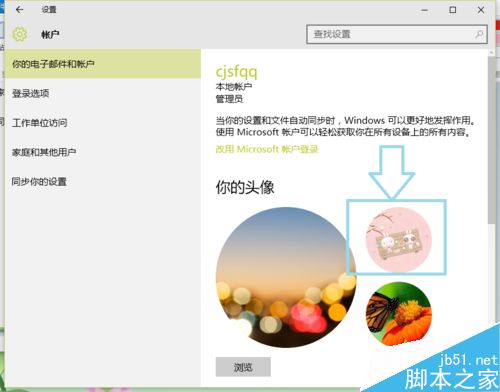
Win10 更換使用者大頭照步驟簡單,支援多張歷史大頭照快速切換。
操作直觀易上手。更多 Win10 個人化設定請關注本站!
Windows XP 開機 F8 功能鍵進階應用:禁止安全模式、編輯 MSDOS.SYS 關閉多重開機選單
XP 系統「附件」裡的畫圖工具不見了?控制台新增 Windows 元件或複製 mspaint.exe 兩法找回
Win7 360 瀏覽器打不開網頁?重裝瀏覽器、關閉防火牆預設、檢查殺毒軟體攔截
Win8 系統如何還原登錄檔?.reg 檔與第三方工具兩大還原法
Windows 10 Mobile 10512 內建壁紙藏微軟成立彩蛋:相簿時間分類出現 1975 年 4 月 4 日創辦紀念日
Win10前後面板音響與耳機同時出聲:Realtek高清音訊管理器停用前面板插孔偵測
Win7 合併磁碟分區:磁碟管理壓縮/擴展磁碟區圖解
Win7 如何查看系統記錄檔?事件檢視器完整操作教學