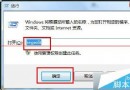
系統記錄檔記錄錯誤與故障原因,Win7 透過事件檢視器查看:
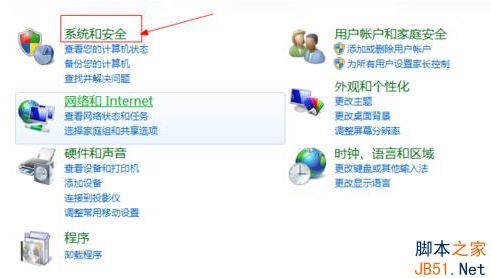
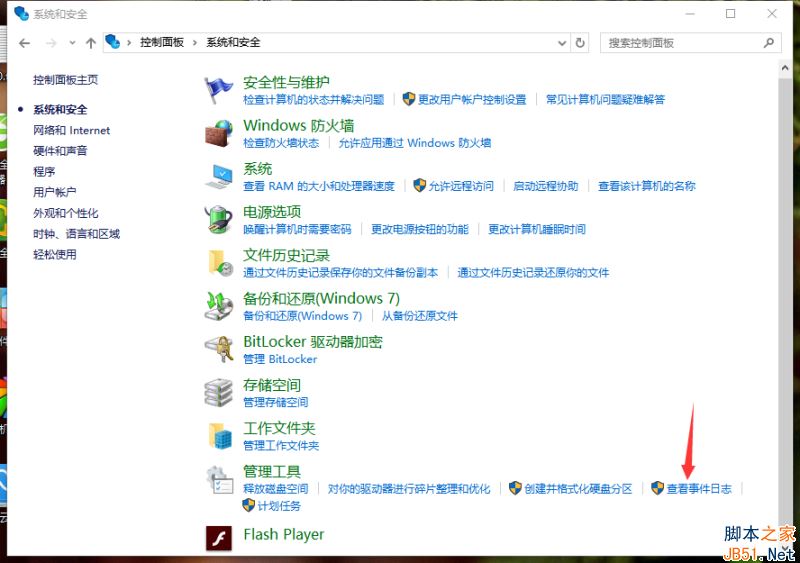
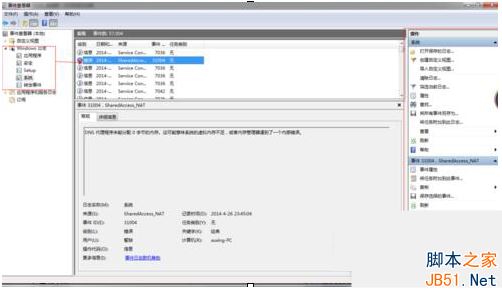
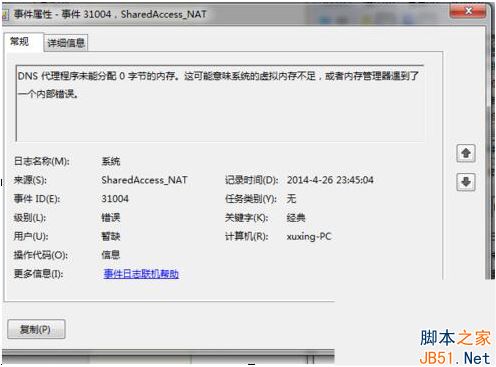
善用事件檢視器可快速定位系統故障根因。
Win10 週年更新 14352 Edge 瀏覽器新增支援 H.264/AVC 視訊標準,奠定 WebRTC 即時通訊基礎
Win10 安裝過程提示「缺少驅動程式」無法繼續?USB 3.0/ISO 檔案/PE 安裝三大排查方向
Windows 10/8.1/7 全方位效能評測 (2):綜合測試 - Win 10 在 PCMark 7 顯著領先,視訊播放轉碼近乎雙倍
360 修复漏洞打补丁导致 XP 蓝屏修复指南:安全模式卸载或 PE 系统下手动反安装
Windows 10 版本差異:家庭版強制自動更新、專業版可延遲 8 個月、企業版可選擇僅安裝安全更新(LTSB)
Win10如何設定登入錯誤次數與帳戶鎖定?本地群組原則完整圖文教學