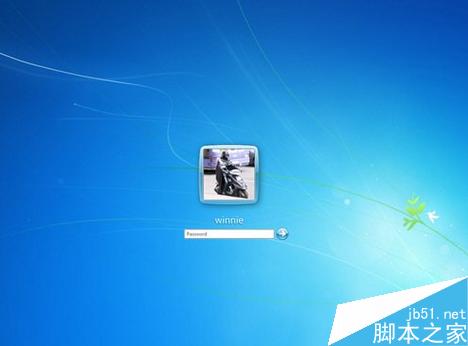
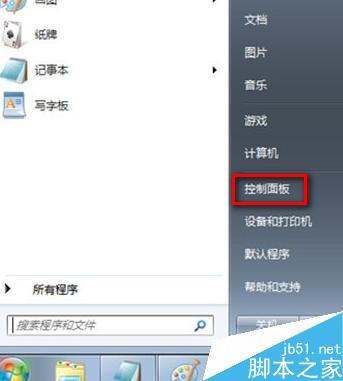
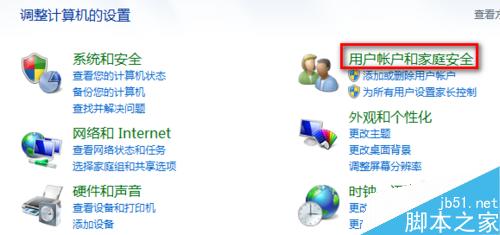
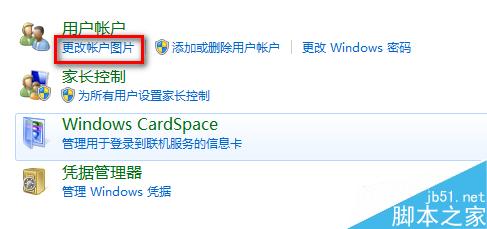
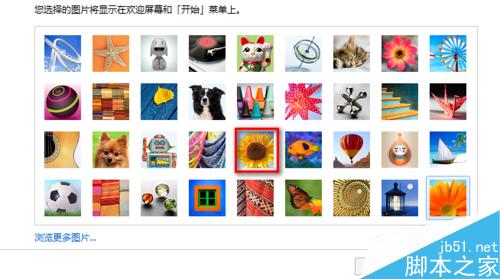
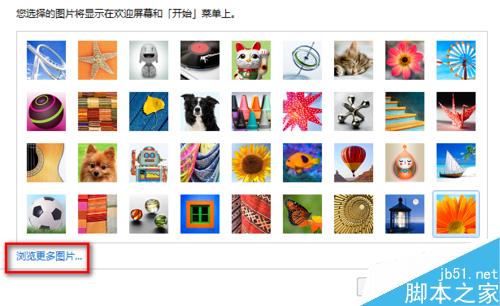
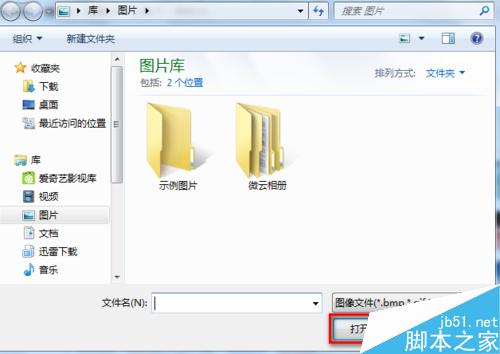
Windows 7 登入畫面與開始選單會顯示使用者帳戶圖片,更換為喜歡的照片能增加個人化樂趣。操作簡單,幾步驟即可完成。
下次登入或鎖定畫面即可看到新圖片。建議使用 256×256 像素以上、正方形比例的圖片以獲得最佳顯示效果。
Win7 右鍵選單找不到「新增 BMP 影像」?匯入登錄檔一鍵恢復
Win8/Win8.1 系統效能優化 13 招:關閉特效、管理服務、加速開機
Win7 開始選單「釘選到此清單」失效?360 人工服務一鍵修復
Win10 Build 9901 消费者预览版上手视频抢先看:任务栏 UI、Modern Apps、Cortana 全方位演示
IIS設定封鎖特定IP或IP區段存取網站教學
Win10 右下角一直跳「啟用病毒防護/防火牆」提示怎麼關?安全性與維護通知設定圖文教學
Win7 能否安裝 DirectX 12?條件、手動移植步驟與顯卡支援清單
Windows 10 找回 Charms 列:Win + C 快速鍵與 PopCharms 工具讓右側邊欄回歸