Windows 10 Edge 瀏覽器運行 Flash 遊戲出現黑屏,原因是系統內建 Flash Player 元件損毀。依系統位元替換對應目錄下的 Flash 資料夾即可修復。
32 位元系統:
C:\Windows\System32\Macromed\Flash 資料夾。Flash 資料夾貼上至同路徑。64 位元系統:
C:\Windows\SysWOW64\Macromed\Flash 資料夾。Flash 資料夾貼上至同路徑。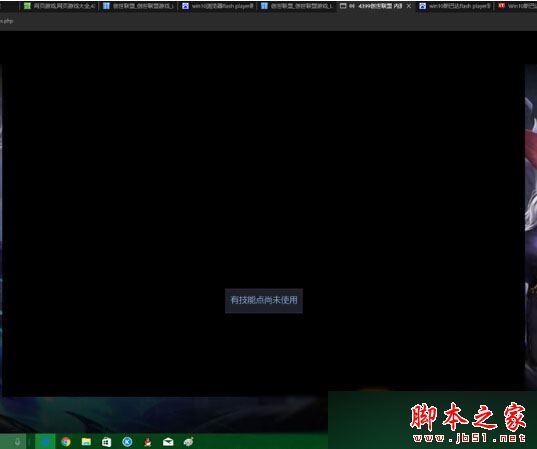
現代替代方案:Flash 已於 2020 年停止支援,現代網頁遊戲多遷移至 HTML5/WebGL。建議改用支援 HTML5 的瀏覽器 (Chrome/Edge 新版) 並確保已啟用硬體加速,徹底擺脫 Flash 相容性問題。
Windows 7 顯示隱藏檔案完整圖解:兩步驟快速設定(含 XP 差異說明)
Win10 10158 簡體中文專業版 64位 ISO 鏡像下載(內建軟媒魔方優化工具)
XP 系統「附件」裡的畫圖工具不見了?控制台新增 Windows 元件或複製 mspaint.exe 兩法找回
Win10 系統第三方瀏覽器裝哪款最合適?2345、360、QQ、UC、百度、金山、搜狗七款參數對比與優缺點分析
Win7 便箋在哪裡?內建便箋功能完整使用教學:建立、固定、變色、最小化
Win10 新特性:手势交互 (NUI) 与姿态检测技术,疑为 Lumia 1020 继任者 McLaren 3D 悬浮触控铺垫