晚上下載檔案想睡覺,又不想讓電腦開整夜?Windows 7 內建 shutdown 指令,搭配 at 排程或直接建立捷徑即可輕鬆實現定時關機。
at 21:00 shutdown -s (21:00 為範例時間,自行修改)。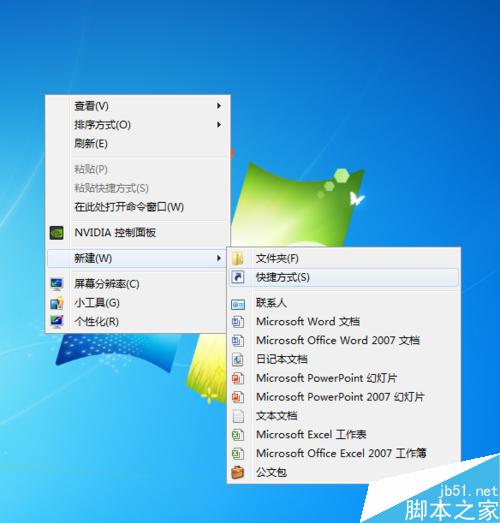
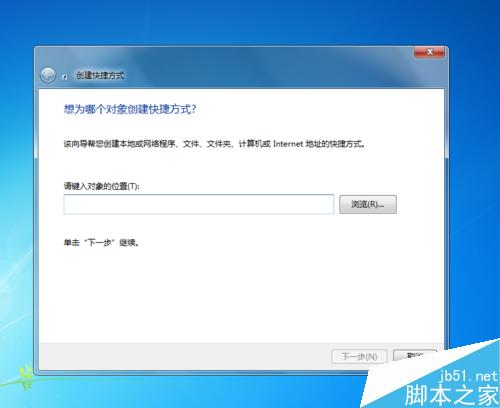
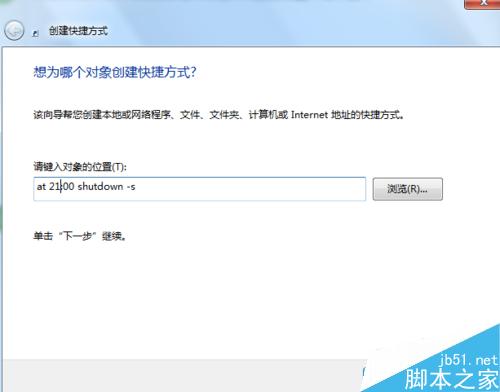
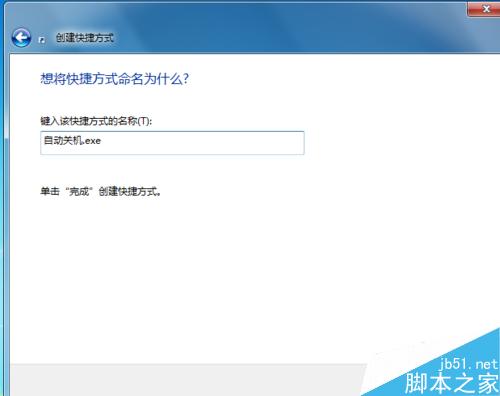

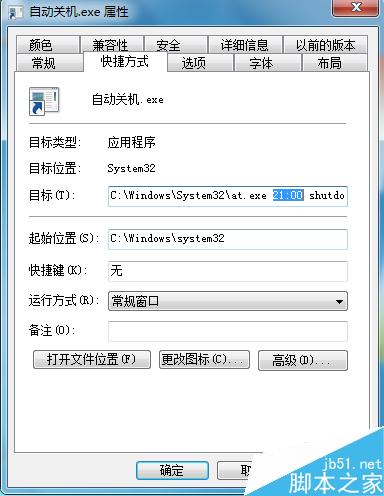
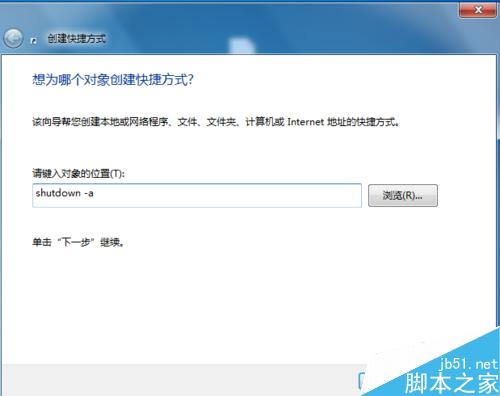
shutdown -a (abort 取消)。右鍵捷徑 → 內容 → 目標 中修改時間後存檔即可。
補充:亦可使用 shutdown -s -t 秒數 直接倒數關機 (如 shutdown -s -t 3600 1小時後關機),無需 at 指令。
Win10 VPN 720 錯誤完整解決方案:Winsock 重置、TCP/IP 協定重裝、登錄修正
Win7 如何清除 360 瀏覽器快取?三種清除方法完整教學
微軟警告:Surface 3 切勿安裝 Win10 技術預覽版,缺乏 Intel Atom 驅動程式
Windows啟動失敗 0xc00000e9?PE進入修復啟動引導,重啟恢復正常開機
Win10 系統 UGNX 設定中文後出現亂碼 ###?將系統預設語言改為中文即可解決
Windows 7 透過登錄禁止桌面存放檔案:避免桌面雜亂拖慢開機
Win10 Mobile 越獄解鎖後替換字型教學 (需 Root 權限)
Win7 瀏覽器彈出「Adobe Flash Player 已停止運作」解決:關閉 Flash 保護模式 ProtectedMode=0