Win8/10 大幅強化 chkdsk,新增線上掃描、平行處理、離線修復等現代化參數。
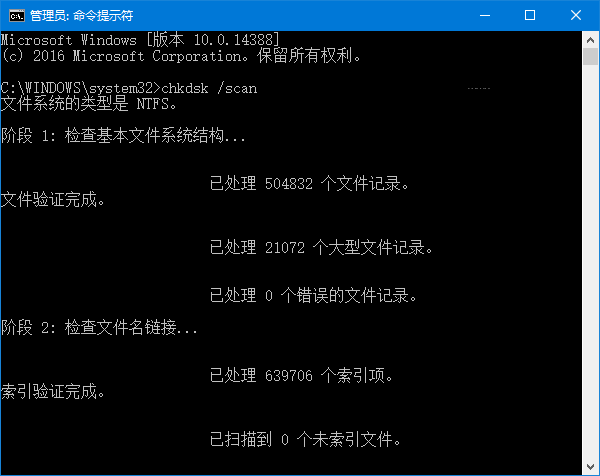
chkdsk 路徑 /參數1 /參數2 ...
# 或在目標路徑下直接執行
chkdsk /參數1 /參數2 ...
| 參數 | 功能 |
|---|---|
/scan | 線上掃描,不離線 |
/spotfix | 精準修復(離線) |
/forceofflinefix | 搭配 /scan:略過線上修復,佇列離線修復 |
/perf | 搭配 /scan:使用更多資源加速掃描(影響其他任務) |
/sdcleanup | 搭配 /f:清理不必要的安全描述元資料 |
/offlinescanandfix | 離線掃描並修復 |
/freeorphanedchains:釋放孤立叢集鏈不復原內容/markclean:無錯誤時標記磁碟乾淨(無需 /f)| 參數 | 功能 |
|---|---|
/f | 修復錯誤(需鎖定磁碟) |
/v | 顯示所有檔案名稱 |
/r | 尋找壞軌復原資料(含 /f) |
/x | 強制卸載磁碟(含 /f) |
/i | 較不嚴格索引檢查(NTFS) |
/c | 跳過資料夾循環檢查(NTFS) |
/l[:大小] | 變更記錄檔大小(NTFS) |
/? | 顯示說明 |
注意:chkdsk 僅修復檔案系統邏輯錯誤,物理壞軌需廠商工具或更換硬碟。