Win8 內建「工作排程器」可設定特定時間自動啟動程式(如 QQ、備份工具),免去手動操作。
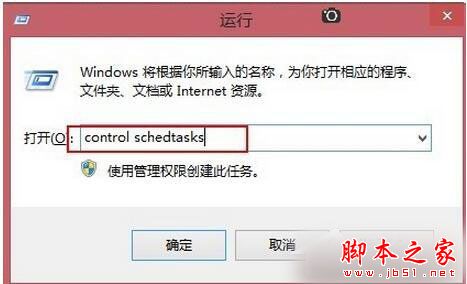
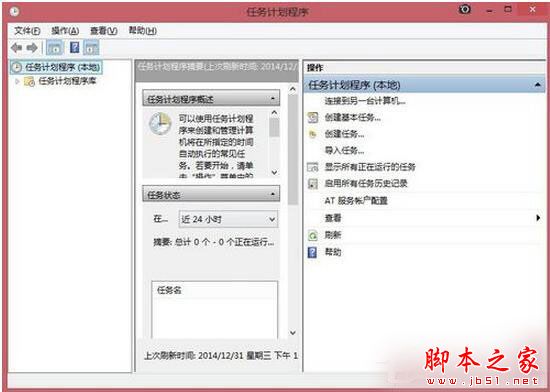
Control Schedtasks 開啟工作排程器。C:\Program Files (x86)\Tencent\QQ\QQProtect\Bin\QQ.exe)。
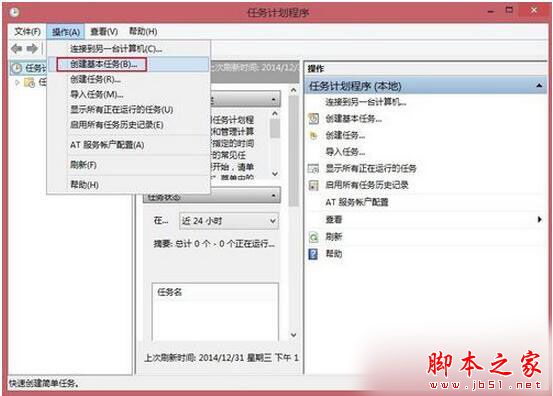
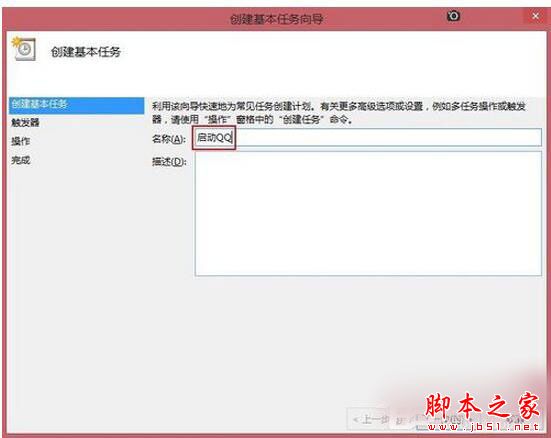
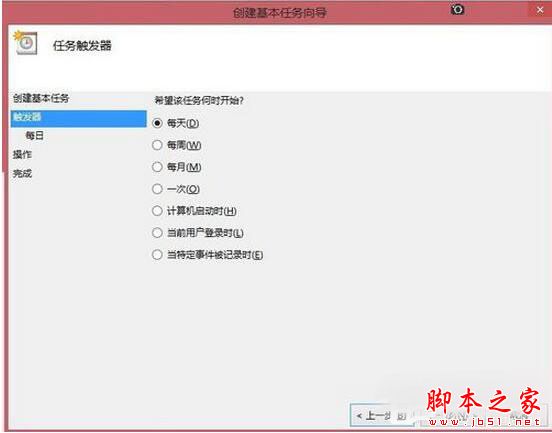
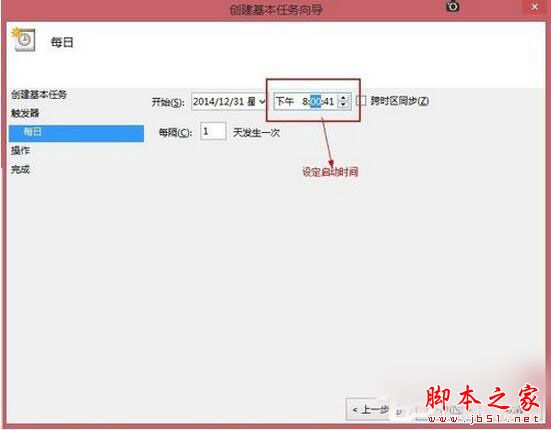
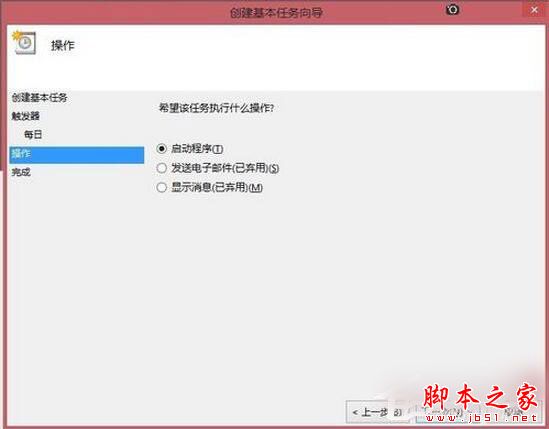
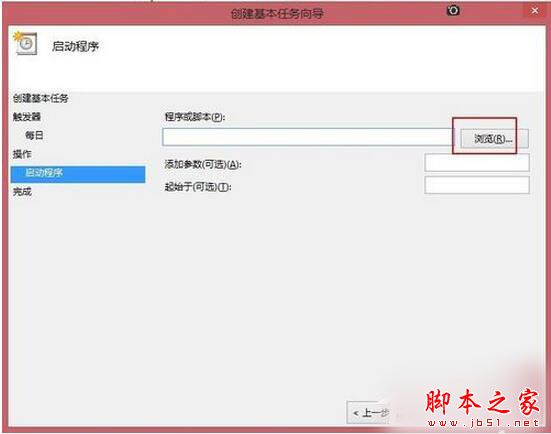
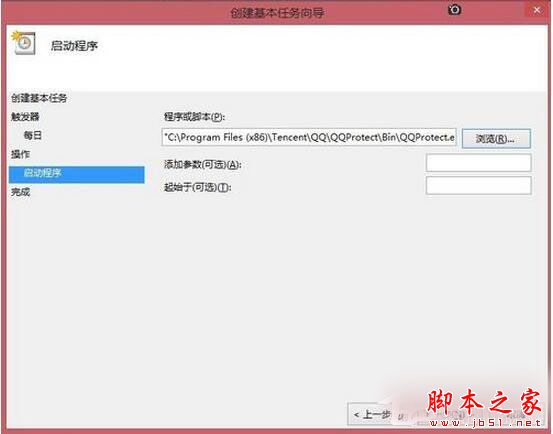
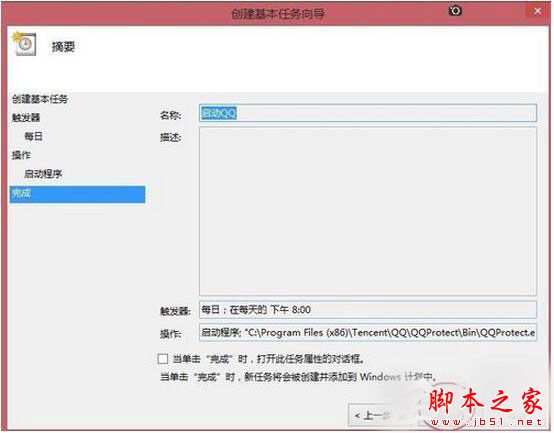
之後程式將於設定時間自動啟動。
Win10 TH2 升級卡在 44% 仍未獲官方解方,用戶苦等半年只能選擇重灌
Win7 無法修改資料夾「唯讀」屬性?實為範本屬性,需修改安全性權限取得完全控制
Win10 升級逾 30 天仍可無痛降級:保留 Windows.old 與 $Windows.~BT 資料夾關鍵技巧
Windows 10 如何登出/註銷?兩種快速方法:開始選單使用者選單、Alt+F4 關機對話框
Windows 7 開始功能表「附件」消失?一招找回預設捷徑
Windows 常用 Shell 指令完整對照表:快速開啟系統特殊資料夾