台式機用戶想用無線網卡上網,本文介紹 Win10 兩種安裝驅動方法。
方法一:光碟安裝驅動
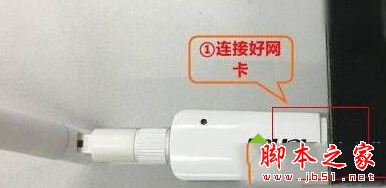
- 無線網卡插入主機 USB 孔,確實插緊
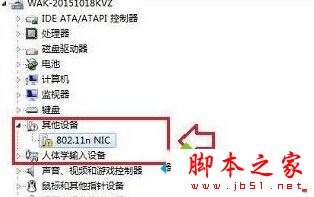
- 裝置管理員出現 802.11 字樣裝置 → 放入驅動光碟
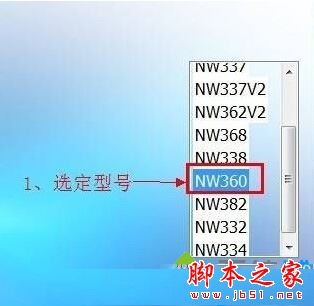
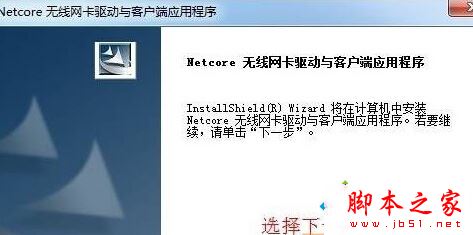
- 「這台電腦」雙擊光碟機 → 點擊 安裝驅動程式 (或選對應型號安裝)
- 依提示下一步完成 → 重新開機


方法二:透過網路安裝驅動 (無光碟機適用)
- 下載安裝 360 驅動大師 (官方免費版)
- 掃描出驅動後點擊「一鍵安裝」 → 完成依提示重開機

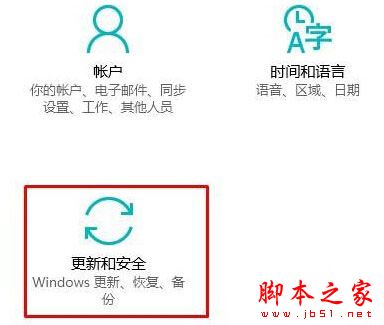
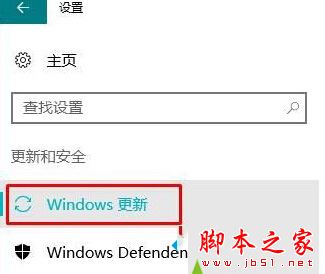
不嫌慢者可連網等待 Windows Update 自動安裝驅動 (Win+I → 更新與安全性 → Windows 更新查看進度)。
相關閱讀
Win10 找不到無線網路設定解決方法
方法簡單,有需求者依此操作即可!