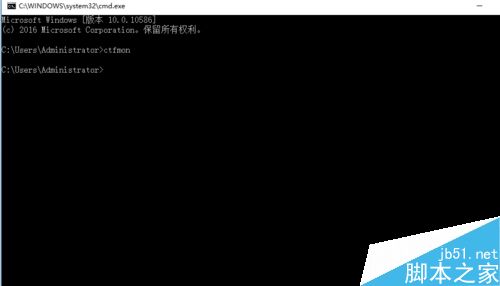
Win10 常遇到輸入法打不開、狀態顯示「已停用 IME」,僅能輸入字母。執行 ctfmon 即可修復。
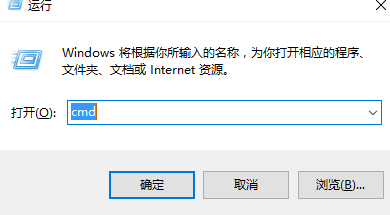
ctfmon → 確定
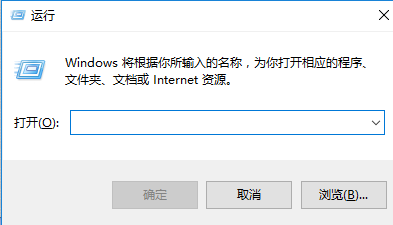
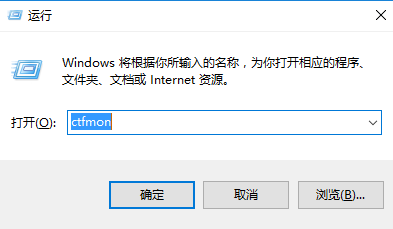


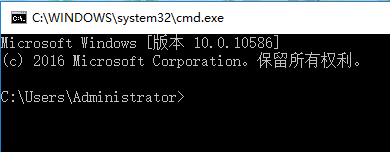
其他原因導致輸入法失效同樣適用。亦可在 CMD 中輸入 ctfmon 執行。
操作簡單,學會了嗎?希望能幫助大家!
Win10 預覽版 10041 出現硬碟遺失問題?微軟加入 UEFI 固件檢測機制防範
Win10 一週年更新正式版 8/2 推出:免費升級、墨跡筆跡/Cortana/Edge/遊戲/教學/企業安全全面升級
Win8.1 筆電開機無法連 Wi-Fi,必須「睡眠喚醒」才能上網?關閉無線網卡電源管理徹底解決
Windows 10 Build 9931/9932 預覽版現身更新通道,快慢速通道差異解析
Win10 播放影片有聲無畫面?顯卡驅動不兼容為主因,禁用獨顯或更新官方驅動雙軌解決