Windows 10 直接訪問 Google 搜尋/服務提示「糟糕,無法存取」。透過 360 瀏覽器安裝「Google 存取助手」擴充功能,可繞過限制正常使用 Google 服務。

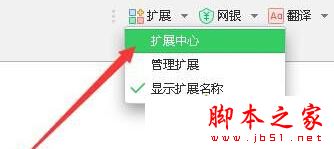

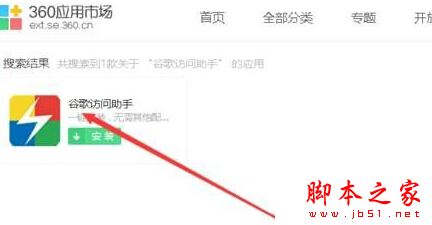
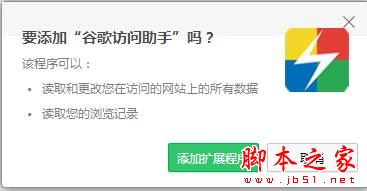
此法針對無法直接訪問 Google 的網路環境提供快速替代方案,操作門檻低、見效快。
Win7 共用印表機報錯 0x000006ba?啟動 Windows Firewall 服務並開啟共用即可解決
Win10 Defender 任務列圖示怎麼隱藏?停用啟動項即可隱藏不影響防護
Windows 10 預設壁紙「Hero」設計幕後:雷射、霧氣、LED 實拍非 PS 合成
Windows 10 筆電搜尋不到 Wi-Fi 熱點?診斷啟動 WLAN AutoConfig 服務秒解決
Win10 累積更新 KB3132372 修復了哪些漏洞?整數溢位與十餘項遠端執行代碼缺陷
[影片] Win10 手機 10549 體驗:Bug 影響日常使用,不建議主力機更新