Win7 開機出現 WUMTC is missing Press Ctrl+Alt+Del to restart,主因強制關機導致磁碟檔案系統受損,無法透過修復啟動解決,**必須重新安裝系統**。
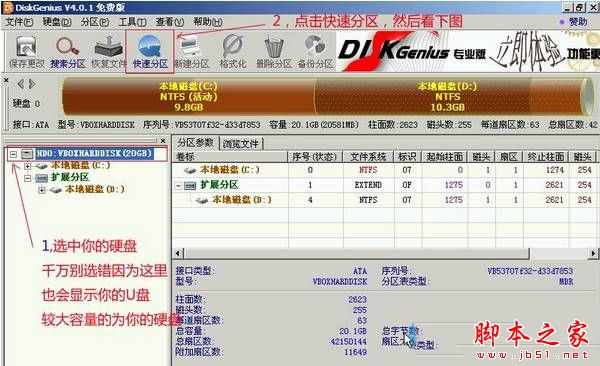
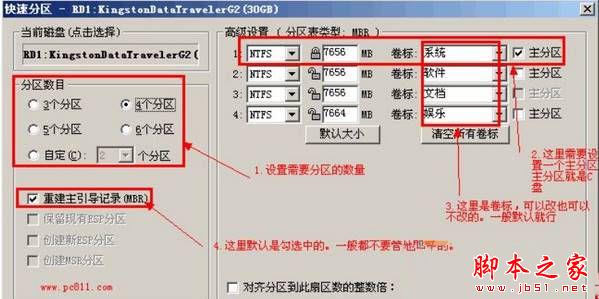
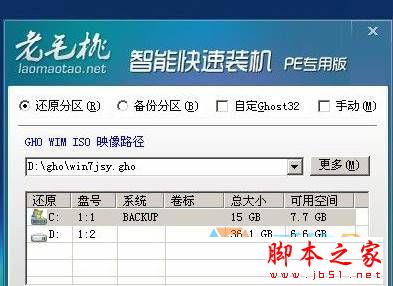
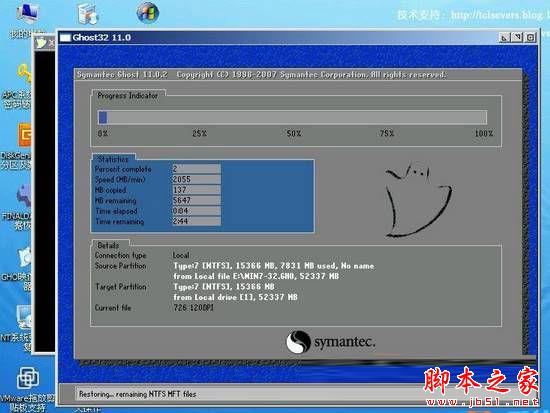
Windows7.gho 放入 USB 盤。HD0(第一顆硬碟) → 「快速分區」 → 設定 3 個分區 → 確定開始分區。Windows7.gho → 確定開始還原。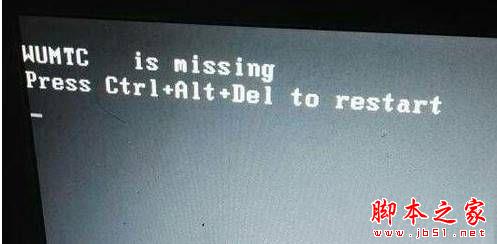
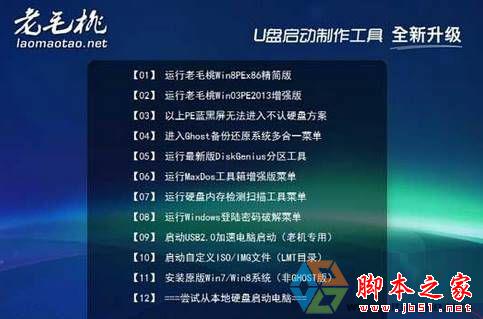
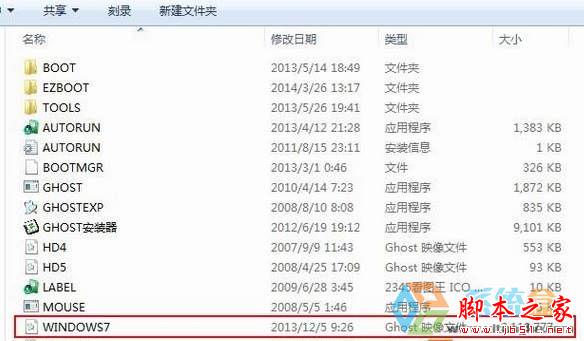
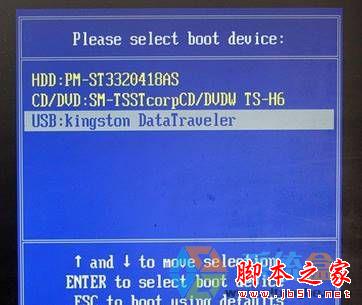
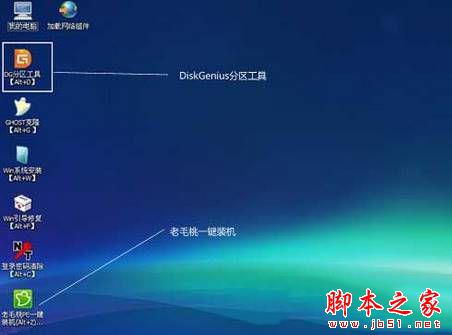
重灌後問題徹底解決。建議平時避免強制關機,定期備份重要資料。
Win10 其實叫 Windows 9 Professional (Build 9860)?Belarc Advisor 揭內部代號
Windows 8 應用程式閃退、無法存取指定裝置路徑檔案?啟用內建管理員帳號與修正權限雙管齊下
Win10 IE 瀏覽器無法開網頁?兩種解決方案:重置 IE 設定/新增協定
Windows 10 待機自動關閉硬碟省電設定:電源選項進階配置教學
Windows 10 能降級至 Win7/Win8.1 嗎?個人用戶 1 個月寬限期,企業用戶享 OEM 降級服務
Win7 藍屏 0x000000CE 錯誤 160wifinetpro.sys:進入安全模式更新或卸載 160WiFi