微軟確認將在 Windows 10 創作者更新(Redstone 3)中為 Win10 Mobile 引入 GATT Server APIs,這對智慧手環、智慧手表、醫療感測器等藍牙低功耗(BLE)裝置的開發具有里程碑意義。
GATT(Generic Attribute Profile) 是建立在藍牙 4.0/LE 協議之上的應用層規範,定義了服務與特徵的資料結構,讓 BLE 裝置能以標準化方式進行服務發現、資料讀寫、通知/指示。簡單說,它是 BLE 裝置與手機/電腦溝通的「通用語言」。
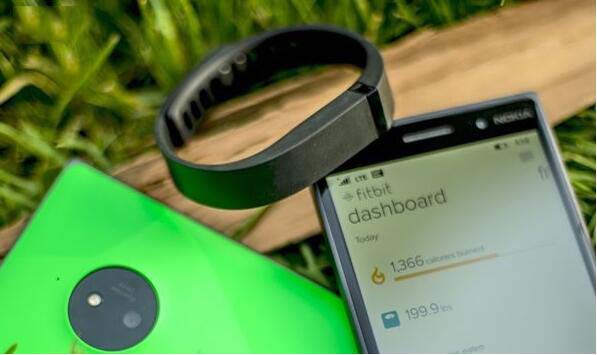
Windows.Devices.Bluetooth.GenericAttributeProfile 命名空間。Package.appxmanifest 宣告 bluetooth.gattServer 功能。GattServiceProvider 建立服務、GattCharacteristic 定義特徵值。GATT Server APIs 的加入,標誌著 Windows 10 正式具備「BLE 周邊裝置」開發能力,不再僅限於「中心裝置」角色。配合 Surface Phone 等新硬體傳聞,微軟正試圖在可穿戴與 IoT 領域重新佈局,開發者宜提前佈局相關技術棧。
Win7 自動更新後彈出「重新啟動電腦」怎麼關?群組原則永久靜音
升級 Windows 10 Build 9926 必讀:Build 9879 用戶須先安裝 KB3025380
為何推薦安裝 Win7 64 位旗艦版?i 系列 CPU、4G 以上記憶體必裝理由分析
怎麼查 Win10 是否為 9926 版本?三大法:桌面水印、cmd/winver、登錄 BuildLabEx
Windows 10 Build 10056 映像檔洩露 下載與安裝須知
Win10 Build 10049 Spartan 瀏覽器上手評測影片:介面極簡、UA 偽裝 Chrome 39/Edge 12、HTML5 375 分、整合 Cortana、網頁筆記