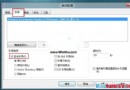
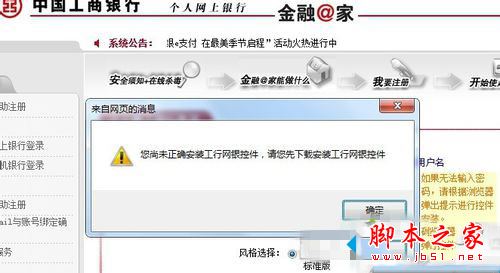
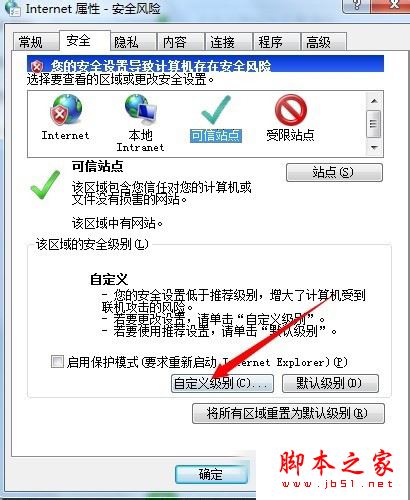
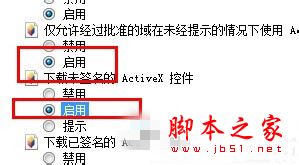
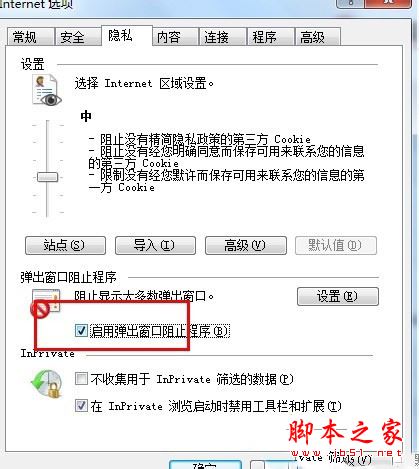
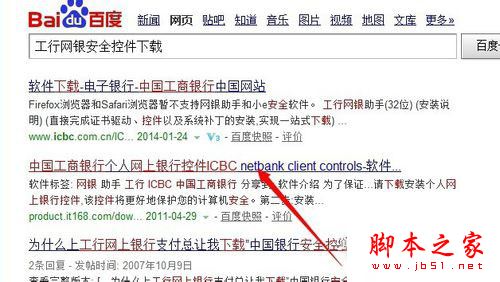
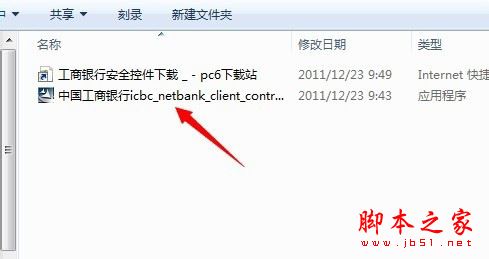
Win7 裝網銀助手報錯,兩種解法:法一:IE → 工具 → 網際網路選項 → 安全性 → 自訂等級 → 所有「ActiveX 控件」選「啟用」;隱私 → 取消「開啟快顯封鎖程式」勾選 → 重新登入網銀安裝控件。法二:直接至銀行官網下載「工行網銀控件 v12.0」手動安裝。附控件下載資訊(23.1MB, 2014-08-15)。

升級 Win10 正式版後裝置續航不佳怎麼辦?微軟將優化電源管理與 Edge 擴充功能
Windows 10 設定分享清單顯示項目數量:系統設定依螢幕大小調整最佳顯示數
Win10 如何將 Dynamics CRM 帳戶連結到 Cortana?筆記本中新增連結帳戶即可
Win7 找不到「網路芳鄰」?其實已改名為「網路」— 三種快速找法
Win10 Build 10074 新特性影片介紹:Cortana 新介面、系統音效、毛玻璃、3D 磚塊動畫
Windows 10 管理 IE 瀏覽器附加元件提升執行速度:停用/移除不必要擴充功能