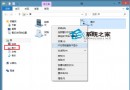
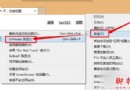
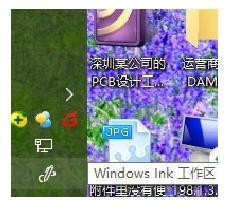
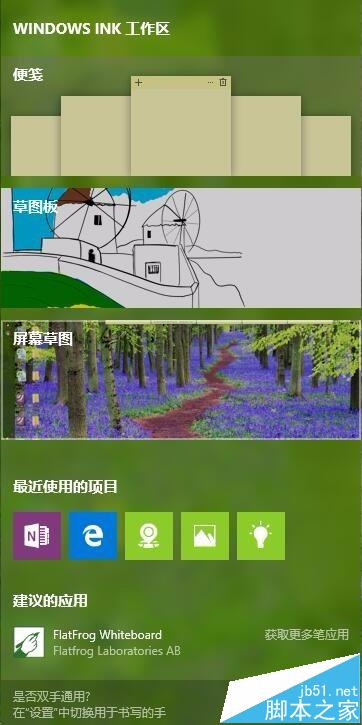
Windows 10 更新至 14393 版後,「便箋」從附件消失,改整合在 Windows Ink 工作區。只需在工作列右鍵選單開啟「顯示 Windows Ink 工作區按鈕」,工作列右側即會出現筆尖圖示,點擊即可開啟便箋、草圖、螢幕擷圖等功能,讓桌面便利貼再次好用。
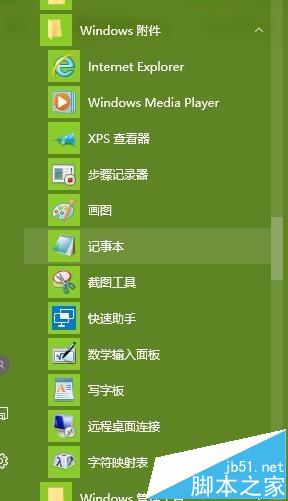
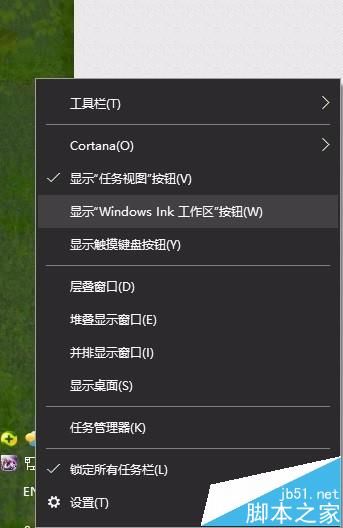
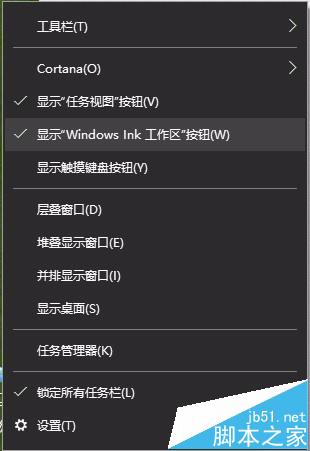
若要關閉 Windows Ink 功能,同樣在工作列設定中關閉開關即可。
Windows 8 索引檔 Windows.edb 移至非系統碟:釋放 C 槽空間完整教學
Win10 關閉麥克風增強效果完整設定:錄音裝置屬性進階頁籤
Win10 Mobile Redstone 14295 上手體驗評測:流暢度提升、已知問題整理
Win7 玩日文遊戲出現亂碼?註冊表臨時修改 Locale 預設值為日文 (00000411) 安裝後改回即可正常執行
Win10 將迅雷設為 360 瀏覽器預設下載工具:兩步驟完成設定
Windows 10 正式版倒數:開發基本結束,最快下周推送最後預覽版