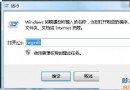
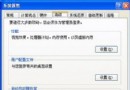
Windows 8 開機後硬碟燈持續閃爍、CPU 長期 100%,工作管理員顯示 System 或 svchost.exe (HomeGroupListener) 佔用高資源。主因 HomeGroup 服務在雙系統/無網路/設定錯誤時進入無限掃描迴圈。離開家庭群組即可徹底解決。
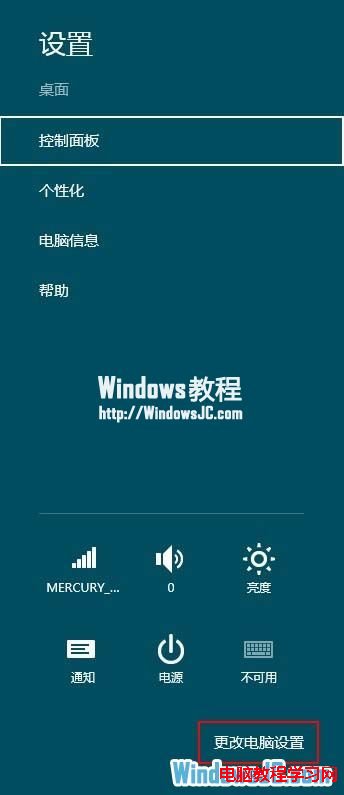
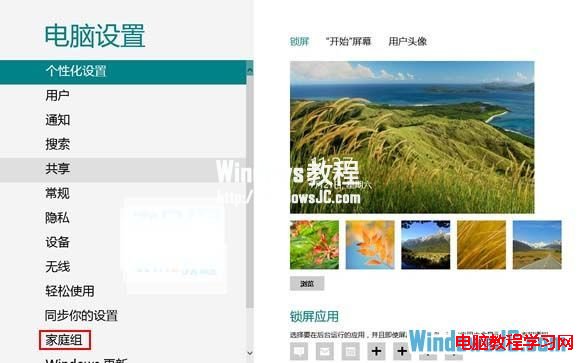
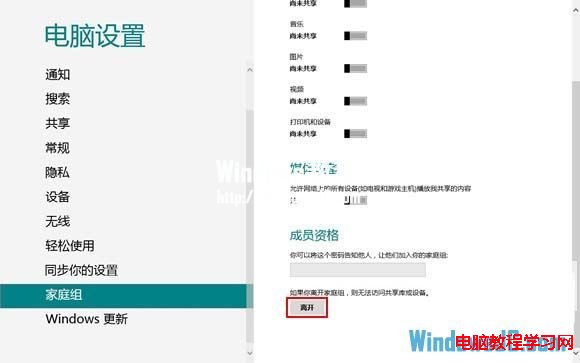
HomeGroupListener、HomeGroupProvider、Peer Networking 服務。fdPHost (Function Discovery Provider Host)、FDResPub (Function Discovery Resource Publication) 亦可能高 CPU。若需保留 HomeGroup 功能,可嘗試設定服務為「手動」:
services.msc → HomeGroupListener、HomeGroupProvider、FDResPub、fdPHost → 啟動類型改「手動」→ 重開機。
但離開家庭群組為最徹底、副作用最小的解法。
Windows 8 / 8.1 / 10 (版本 1803 前) 均有此問題。Windows 10 1803 起移除 HomeGroup 功能,改用「附近共享」與 OneDrive 同步,問題隨之消失。