安裝字型常讓新手頭痛,Windows 7 提供兩種直觀方法:右鍵安裝或複製至字型資料夾,均可完美解決字型安裝問題。
1、將下載的字型檔集中放在一個資料夾。

2、全選字型檔 → 右鍵 →「安裝」。
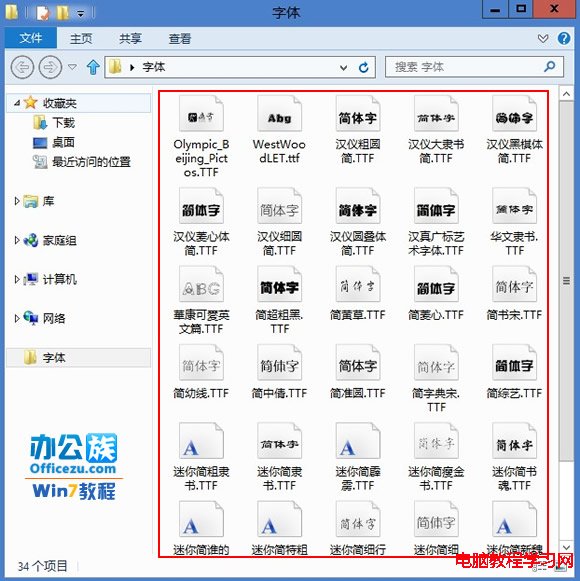

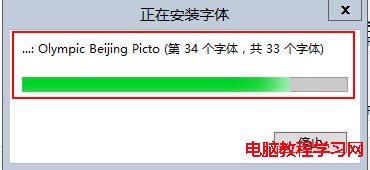
3、等待安裝完成。

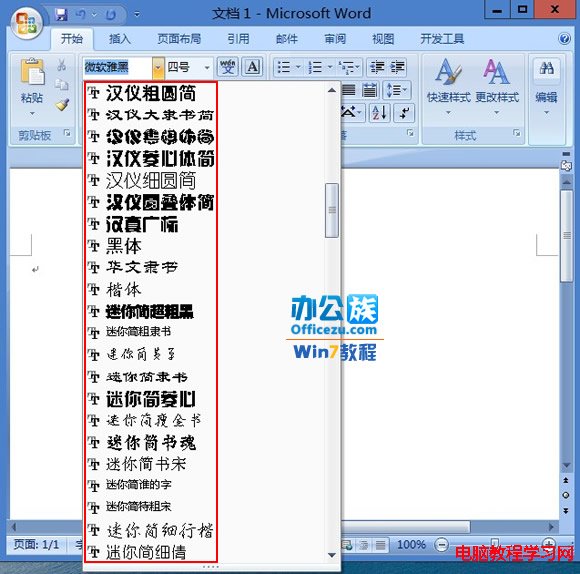
4、開啟 Office 應用程式驗證字型是否出現。

1、複製欲安裝的字型檔。
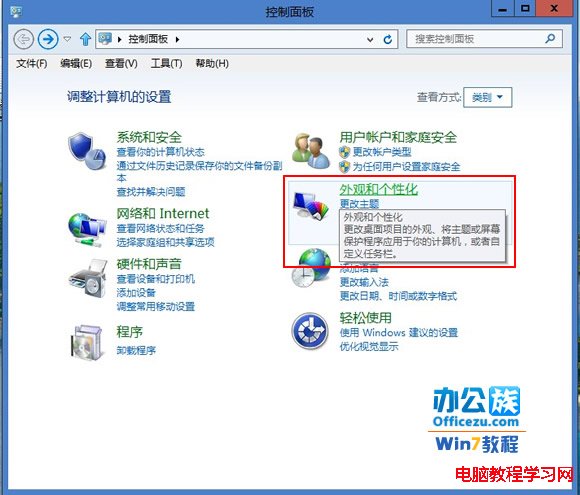
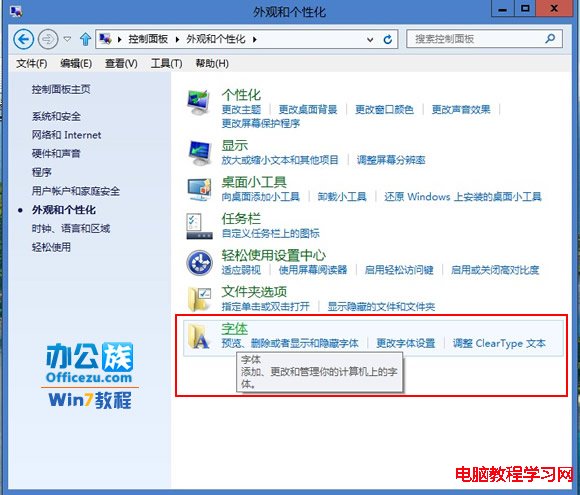
2、開啟「控制台」→「外觀與個人化」→「字型」。
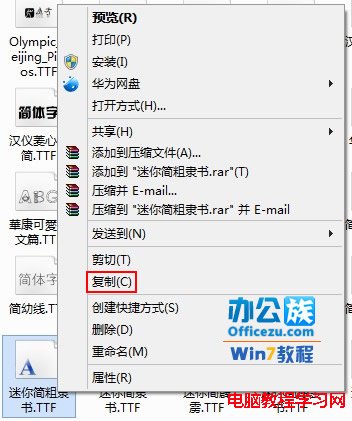
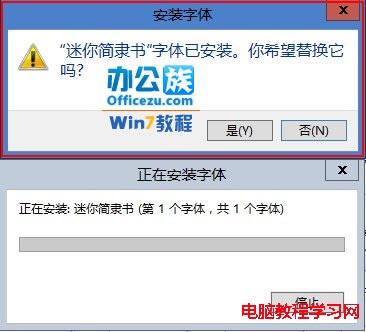
3、將字型檔貼上至字型資料夾,若有重複會提示覆蓋或略過。
Windows 8 更新 KB2770917 失敗解決方案:清理啟動服務法
思科警告:WinXP 存 FAT32 USB 漏洞,駭客可獲完整控制權,升級刻不容緩
WinXP 任務列異常(變寬、跑到頂端)一鍵修復:自製批次檔重置註冊表與 Explorer
Win10 如何在本機帳戶下使用 Microsoft Store 下載應用?無需切換微軟帳戶登入系統
Windows 7 修改登入畫面預設輸入法:複製目前使用者設定至歡迎畫面與新帳戶
Windows 9 還叫 Windows 9 嗎?版本號消失、命名變數與 Windows 365 願景