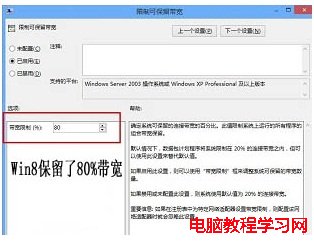
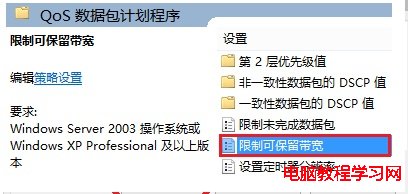
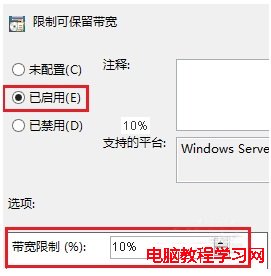
Win7 預留 20% 頻寬,Win8 更誇張預設保留 80%!修改群組原則釋放頻寬:
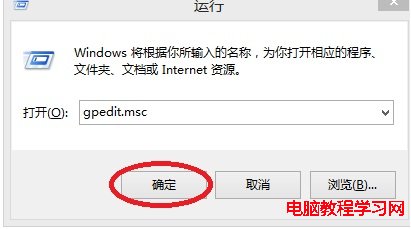
gpedit.msc
修改後網速明顯提升,網費貴的用戶建議必做優化。
Win10 無法打開 .doc 文件?安裝 WPS Office 輕松解決兼容問題
Windows 10 DirectX 12 完整解析:三層架構變化、顯卡支援對照表、平台限制、支援引擎與遊戲
Win8 GPT 磁碟建立 OEM 分區:DiskPart 指令與 GPT 屬性設定完整教學
Windows 右鍵選單加入「清空回收站」與「重新開機」指令:登錄表匯入一鍵完成
Win 10 Build 10525 已知問題匯總:行動熱點失效、電影電視需更新、語言包暫不可用
Win10 降級 Win7/Win8.1 助手:系統回退功能圖文教程(附保質期提醒)
Windows 7 假死/當機成因分析與三大情境解決方案
Win7 滑鼠完整設定教學:指標樣式、靈敏度、滾輪、雙擊速度一把抓