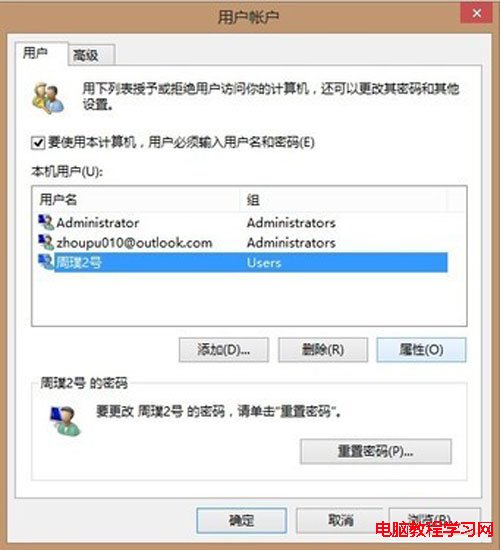
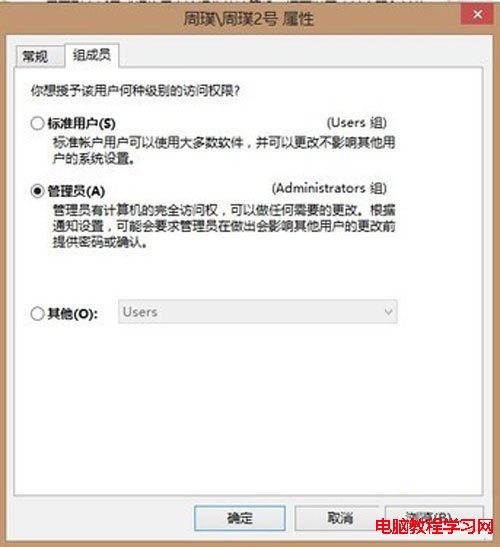
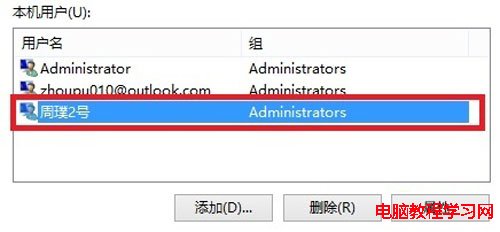
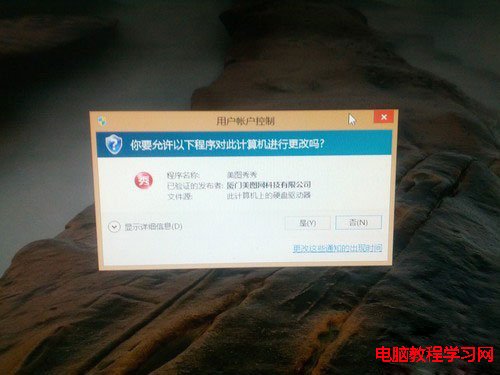
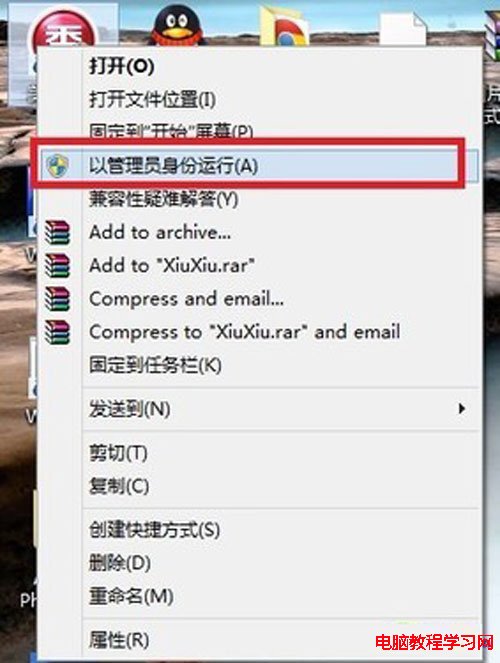
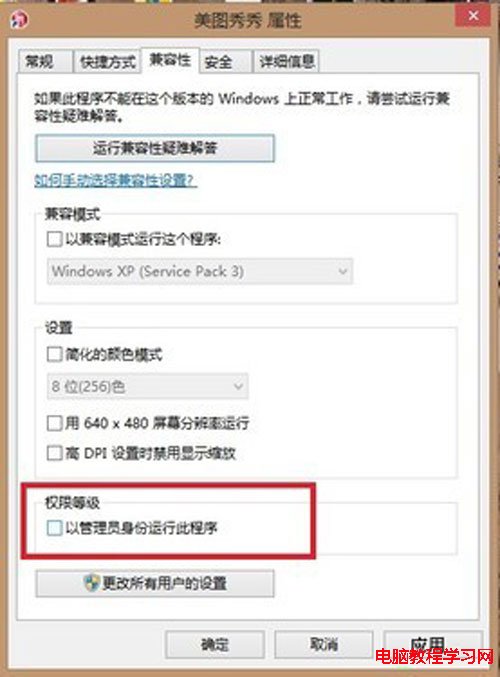
Win8 內建 Administrator 預設停用,啟用後擁有最高權限,操作更便利。
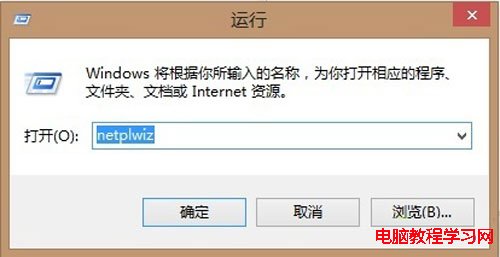
netplwiz
標準帳戶僅有使用權,需管理系統請啟用內建管理員帳戶。
最快最簡單用 USB 隨身碟安裝原版 Win7 32/64 位:老毛桃 + ISO 直裝法
Win7 設定與刪除開機密碼完整教程(適用桌機與筆電)
Win7 關閉 445/139/135 連接埠:IP 安全性原則逐步圖解
Win10 系統怎麼關閉 Superfetch 服務?禁止 Superfetch 自啟動教程
安裝 Windows 10 後無法開網頁?360 LSP 修復一鍵解決
Win10 Mobile Build 10534 截圖曝光:新增 USB 乙太網路支援與 SIM 卡強化
Win8 如何開啟 .igs 3D 模型檔?使用 Regaligs 檢視器免安裝瀏覽
Win10 Build 10532 快速版推送:右鍵選單現代化、Feedback 可分享、EdgeHTML 強化