無管理員權限時,Firefox/Chrome/Opera 線上安裝 Flash 常失敗。手動安裝法可繞過限制:
.zip → 解壓縮。flashplayer.xpt 與 NPSWF32.dll 到瀏覽器外掛資料夾:C:\Users\使用者名稱\AppData\Local\Mozilla Firefox\plugins\C:\Users\使用者名稱\AppData\Local\Google\Chrome\Application\C:\Program Files\Opera\program\plugins\about:plugins 驗證。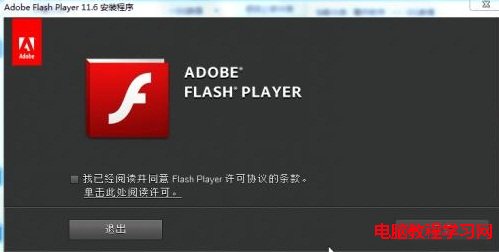
此法適用 Firefox、Chrome、Opera,無需管理員權限即可播放 Flash 內容。
WinXP 開機畫面出現粉紅色隨後恢復正常?兩大成因:訊號線接觸不良與顯卡驅動/BIOS 問題
Windows 8 筆電鍵盤按鍵錯亂?註冊表修復與 360 一鍵修復雙方案
Win10 Edge 瀏覽器設定首頁教學:三步驟自訂開啟頁面
Win8/8.1 取得 SYSTEM 權限刪除頑固檔案:從 TrustedInstaller 降權至 Everyone 的完整操作
Win10 如何啟用「旁載應用程式」安裝第三方 App?開發人員模式完整教學
微軟官方公布 Windows 10 系統與硬體需求:基礎門檻低,進階功能需額外裝備