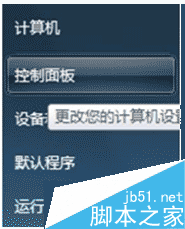
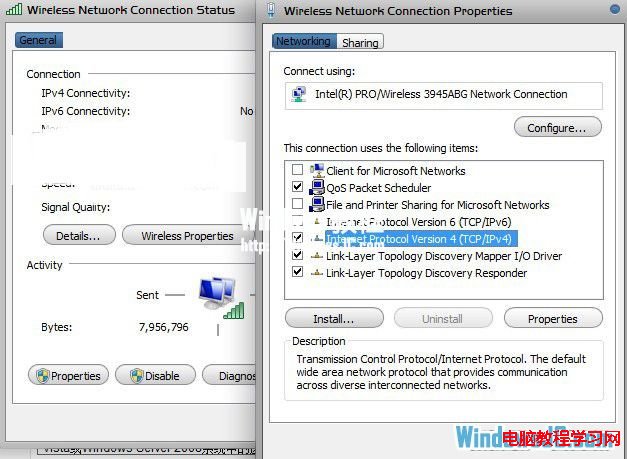
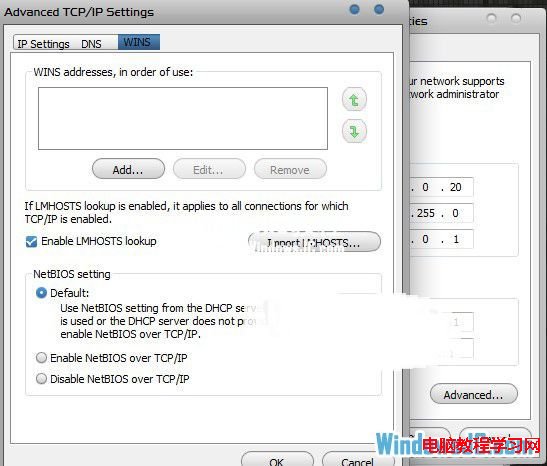
Win7 局域網共用存取不穩定,可在 TCP/IPv4 進階設定中停用「TCP/IP 上的 NetBIOS」,強制使用 SMB Direct Hosting (port 445) 進行共用連線,提升穩定性與速度。
Windows 任務列「自訂通知圖示」灰色不可用?群組原則一鍵解鎖
Windows 7 內建 CMD 指令複製/刪除資料夾:xcopy、del、rd 完整語法教學
Windows 7 「執行」指令不見了?三種方法找回或快速開啟「執行」視窗
修復 Win8.1 KB2919355 更新卡在 99%:DISM 修復系統元件、乾淨啟動排除第三方干擾
2016 首個 Win10 RS1 預覽版 11094/11095 版本號曝光,編譯時間揭曉
Windows 10 無法安裝 .NET Framework 3.5?使用離線映像檔透過 DISM 指令離線安裝完整教學
Windows 8 桌面找不到「計算機」圖示?一鍵加回經典電腦圖示
Windows 8.1 內建管理員帳號無法啟動 Metro 應用程式 (如 PDF 閱讀器)?群組原則啟用 Admin Approval Mode 解決