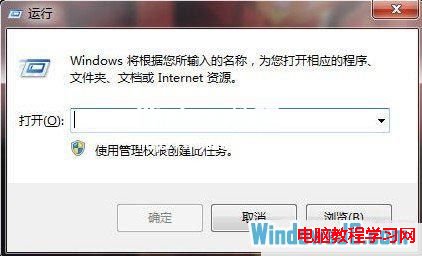
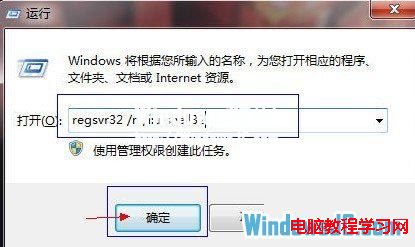
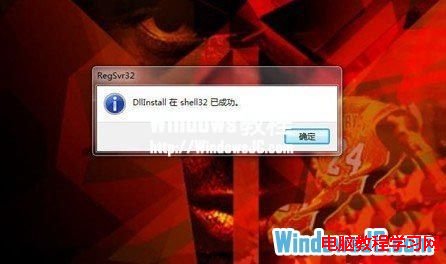
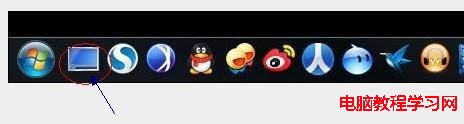
Win7 工作列右側「顯示桌面」長條按鈕若消失,除 Win+D 熱鍵外,可透過命令提示字元重新註冊 shell32.dll 修復。
shell32.dll
regsvr32 /n /i:u shell32
shell32.dll 包含工作列工具列按鈕的 COM 物件實作,重新註冊可修復遺失的工具列項目。
Win8.1 數字鍵盤變滑鼠鍵?關閉「滑鼠按鍵」功能恢復正常輸入
Win10 想更新但不想被強制重開機?禁用 UpdateOrchestrator\Reboot 任務
解決 Windows 7「電腦管理」無法開啟的註冊表修復法
Win10 Build 10130 釋出三項安全性更新,修復使用者回報最多問題
Win10 內建郵件應用無法同步 163 網易郵箱?開啟 POP3/IMAP 並使用客戶端授權碼解決
Win10 如何安裝啟用 Office 2013?KMSpico 激活工具完整教學
微軟恢復 Win10 預覽版 Slow Ring ISO 鏡像製作:已激活裝置可乾淨安裝測試版
Win10 隱私爭議延燒:知名 BT 種子站封鎖 Win10 用戶 P2P 服務