微軟分批推送 Windows 10 升級,預約用戶若久未收到通知,可用單一指令強制觸發檢查下載,成功率極高。
wuauclt.exe /updatenow (無空格) → 確定。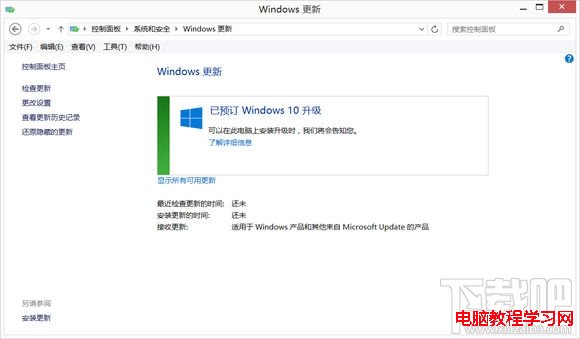
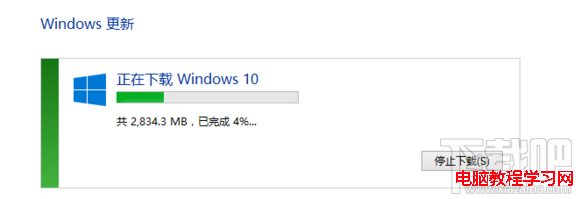
原理: wuauclt.exe /updatenow 指示 Windows Update 代理程式立即聯線更新伺服器,跳過排程等待,直接拉取可用升級。
Windows 7 修復任務列預覽縮圖模糊不清:登錄調整 MinThumbSizePx 參數教學
Win10 檔案總管新 Bug:右鍵「自訂資料夾」無法跳轉標籤頁
Windows 7 內建疑難排解功能深度體驗:PowerShell 腳本驅動的自動診斷修復
《我的世界》Win10 Beta 版 7/29 上架應用商店,舊版玩家免費升級,未來正式版也免費
Windows 10 設定自動關機兩大法:指令排程 / 360 安全衛士小助手圖形化操作
Win10 安裝 Marvell 網卡驅動後無法上網?Win10 內建驅動不兼容,卸載內建驅動並安裝舊版 Marvell 驅動相容模式解決