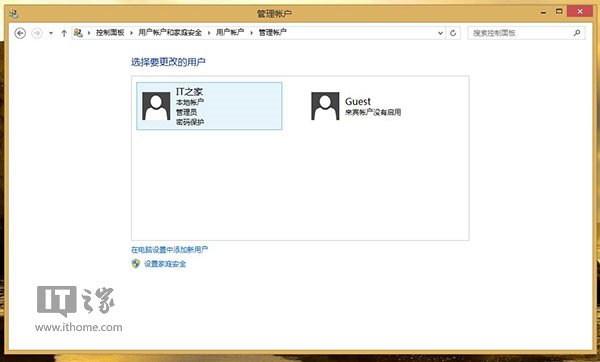
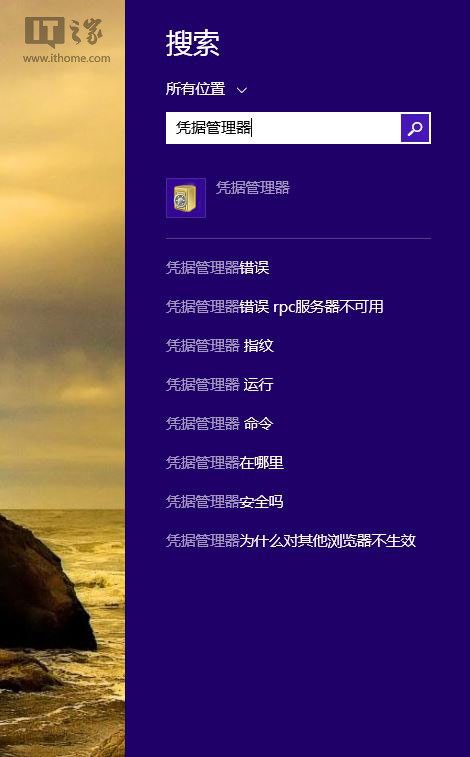
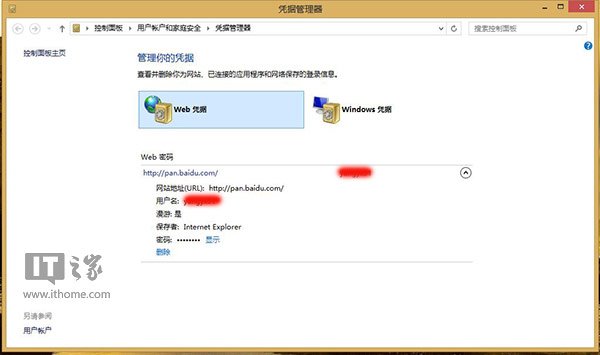
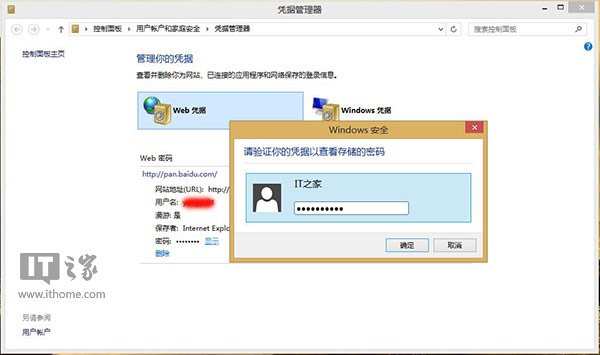
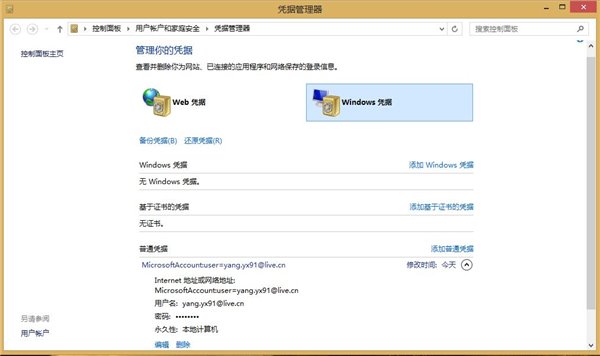
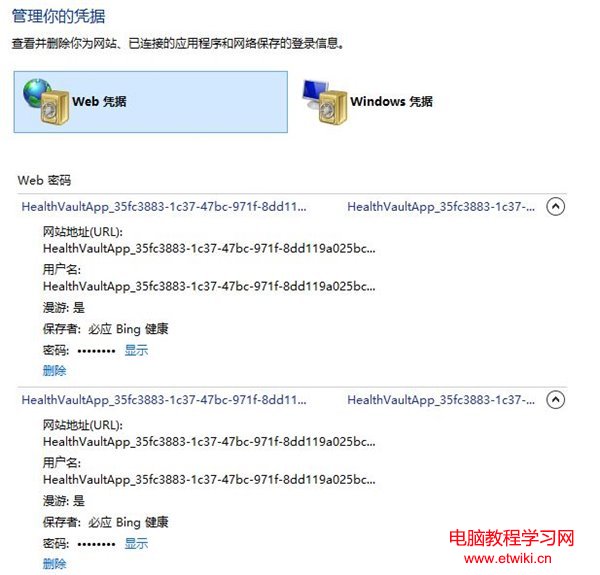
Windows 8.1 引入認證管理員,自動保存 IE11 與 Modern 應用輸入的認證,忘記密碼時可輕鬆找回。
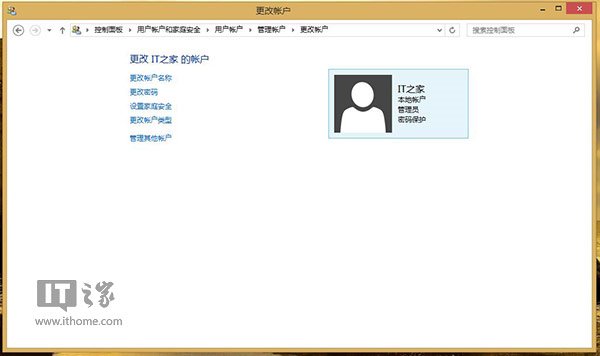
本地帳戶必須設定密碼保護,否則無法存取認證管理員。


全新 Windows 10 預覽版本週推送,預計為 Build 10164,含 Groove Music 與電影電視應用更新
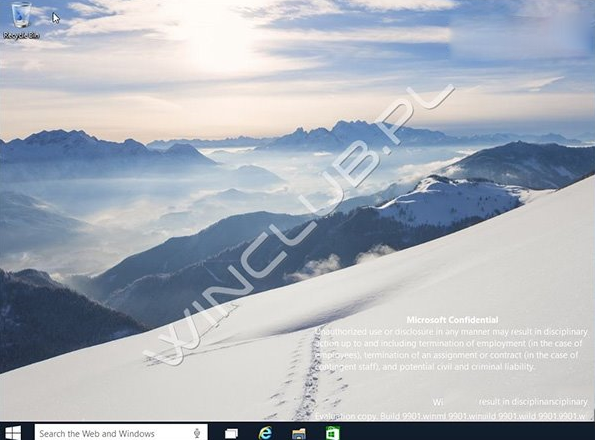
這就是新 Aero?Win10 10120 洩露截圖:視窗標題列變半透明
Win8/Win10 徹底移除麥克菲 McAfee 安全中心圖文教學(含官方 MCPR 工具)
Win10 修改網卡 MAC 地址完整教程:設備管理器法 + 註冊表法雙方案
Win10 Build 9860 新增套件管理框架 OneGet:PowerShell 一鍵搜尋/安裝/更新軟體
Win10 安裝金鑰與新功能變化:預覽版金鑰 NKJFK-GPHP7-G8C3J-P6JXR-HQRJR