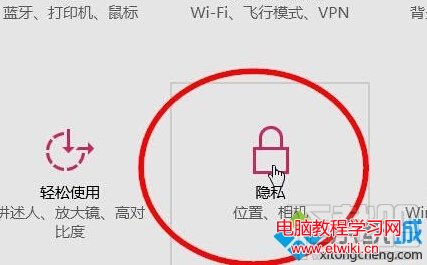
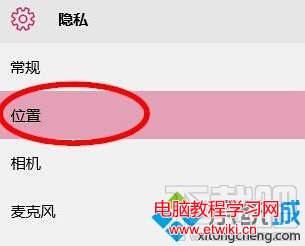
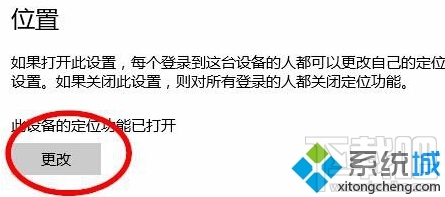
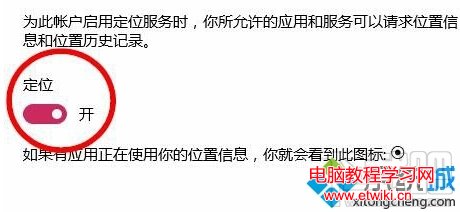
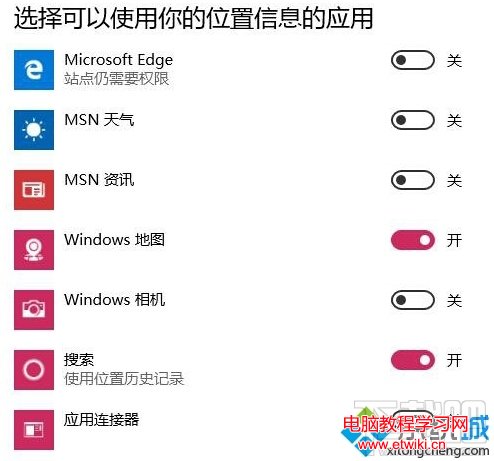
Windows 10 內建定位服務可供應用程式取得裝置位置。若不需使用,可完全關閉或僅允許特定應用存取。
Win10 Mobile RS1 14267.1004 修復 Lumia 550 充電問題、新增雙卡視覺語音信箱
Windows 10 在韓國普及速度是 Win8 的 5 倍,超 2.2 萬裝置運行超 10 億小時
Win10 開始選單應用程式消失?PowerShell 一鍵重註冊修復教程
Windows 10 安裝 Python 2.7.10 圖文教學
Stardock Start10 讓 Windows 10 開始選單秒變 Windows 7 風格:支援清單檢視、搜尋列回歸、工作列質感自訂
Win10 Build 10576 桌面版更新:Edge 新增多媒體投影 (Miracast/DLNA)、PDF 整合小娜、Xbox Beta 更新