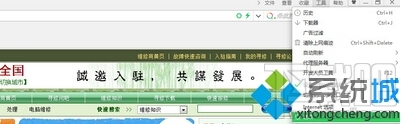
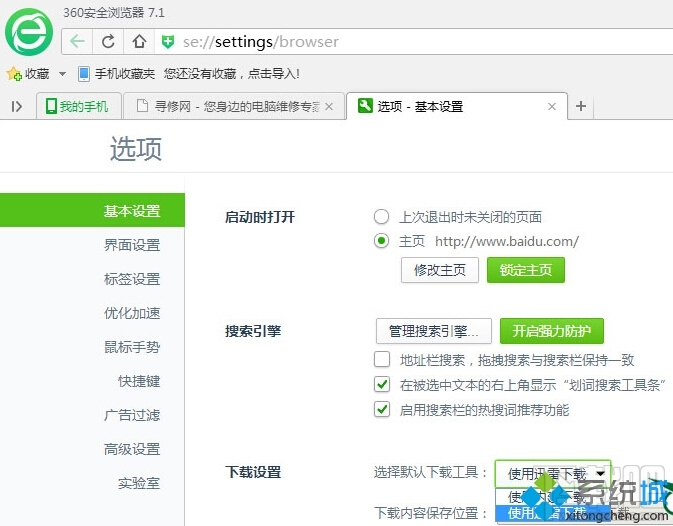
360 瀏覽器預設使用內建下載器,若習慣用迅雷高速下載,可在設定中切換。
之後點擊下載連結即會自動喚起迅雷接管。
WinXP 桌面資源回收筒圖示不見了?登錄編輯器找回法
Windows 7 刪除 EISA 隱藏分區 釋放硬碟空間 diskpart 指令
Windows 7 新增網路印表機與 XP 差異大,必須透過電腦名稱或 IP 位址手動連線
Windows 8 升級後刪除 Windows.old 資料夾釋放 C 槽空間
程式開發者切勿升級 Win10 Build 10049!VS2015 相容性問題:模擬器無法啟動、XAML 設計工具崩潰、建議切 Slow Ring
Win10 10565 预览版如何激活?三种途径:旧密钥/升级继承/数字权利
Win10 Mobile Redstone 3 將支援 x86 模擬器:Continuum 邁向真正 PC 體驗
Win10 Build 9879 啟用新版開始畫面 (Continuum) 登錄表教學