微軟宣布 XP 退市無疑是重大打擊,儘管 Windows 8 推出時間不長,但其絢麗介面吸引者日增。欲將 XP 升級 Win 8 的使用者不在少數,以下整理圖文流程供參考。
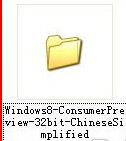
setup.exe 開始安裝。

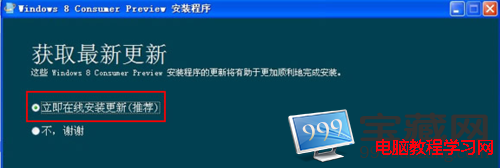
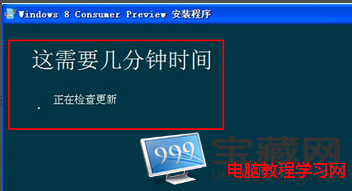
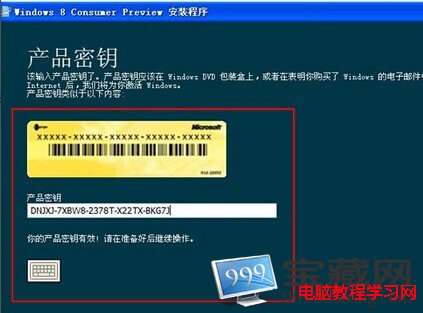
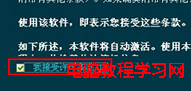
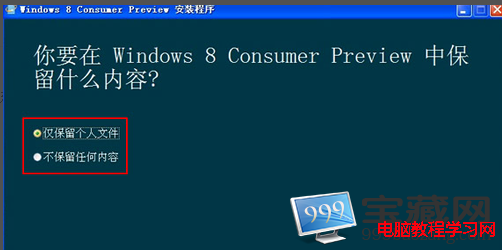
至此 XP 升級 Win 8 流程完成。溫馨提醒:若安裝雙系統,Win 8 需安裝於系統盤以外分區,並確認電腦硬體符合 Win 8 安裝需求。
Win10 Chrome 更新失敗錯誤 0x00000?清除快取一鍵修復
Win7 旗艦版 USB 隨身碟插入不自動播放?啟用 ShellHWDetection 服務恢復自動播放
Win10 正式版 7 月 13 日 16:30 完成簽署,Insider 截圖洩天機
Win7 輸入法圖示客製化:更換工作列系統圖示為專屬 .ico 檔案
重設 Windows 10 本地帳戶密碼完整教學:使用安裝媒體替換 Utilman.exe
Windows 8 應用商店網路錯誤?使用 netsh 指令重置網路設定修復
Win10 提示「Windows 授權即將到期」?快速解決方案
Windows 10 查看系統體驗指數 (WEI) 隱藏功能:透過 Win32 版「遊戲」應用與 winsat formal 指令評分