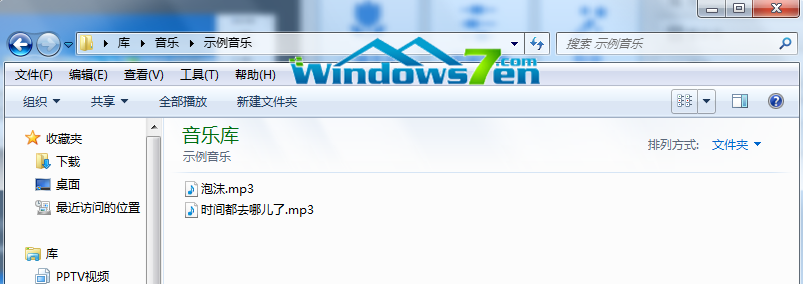
Win7 插入 USB 隨身碟不再自動彈出播放選單?主因是 ShellHWDetection 服務未啟動。透過命令提示字元啟動該服務並重開機即可恢復自動播放功能。
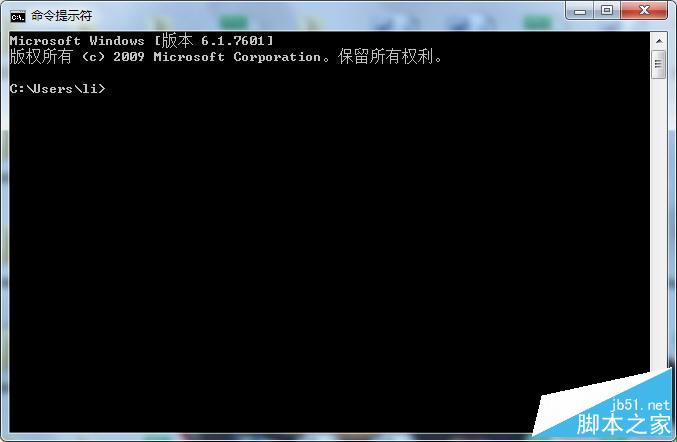
net start shellhwdetection 按 Enter。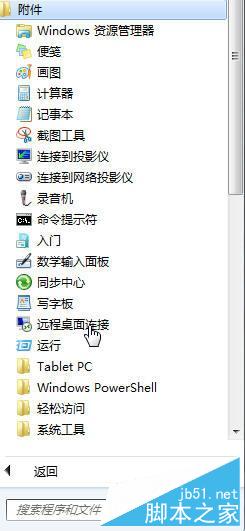
若問題持續,請檢查「控制台」→「自動播放」設定是否啟用「對所有媒體和裝置使用自動播放」。
Windows 8 操作技巧 81 選:熱區、磚圖管理、快速鍵、搜尋、關機、自動登入全攻略
Windows 8.1 收不到 Windows 10 免費升級圖示?檢查 KB3035583 更新並手動觸發 GWX 程序
Win7 系統 Apple Mobile Device 服務無法啟動?兩種修復方案:重啟服務與重裝 iTunes
Windows 10 預覽版移除桌面右下角「評估副本」水印:My_WCP_Watermark_Editor 工具使用教學與風險提醒
XP 開啟附件/圖片提示「找不到 iexplore」?金山毒霸修復 + IE 降級雙重保險
Win10 Groove 音樂里程碑更新 3.6.1886.0:真正通用應用,移除 Xbox Live 依賴、本地掃描提速 10 倍