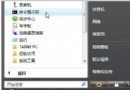
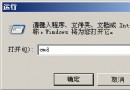
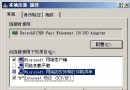
Windows Server 2003 預設 IE 安全性等級極高,瀏覽網頁、聽音樂、玩遊戲時頻繁彈出「是否將目前網站加入信任網站」提示框,嚴重影響體驗。調整安全性等級即可徹底關閉。
原理:降低安全性等級後,IE 不會自動檢查每個網站安全性並強制提示。雖犧牲部分自動防護,但換取流暢瀏覽體驗,適合受控環境或搭配其他防護軟體使用。
Windows Server 2003 Active Directory (AD) 資料庫備份與還原完整實戰指南
Windows Server 2003 兩指令永久顯示移動硬碟磁碟機代號:mountvol /e
Windows Server 2003 提升系統速度 7 大招:關閉精靈、調整效能、精簡介面、硬體加速
Windows Server 2003 變更網卡 IP 位址完整教學:DHCP 自動取得與靜態 IP 手動設定
Windows Server 2003 徹底關閉 139 端口的完整指南
Windows Server 2003 遠端檢視系統日誌:Web 管理介面啟用與操作指南