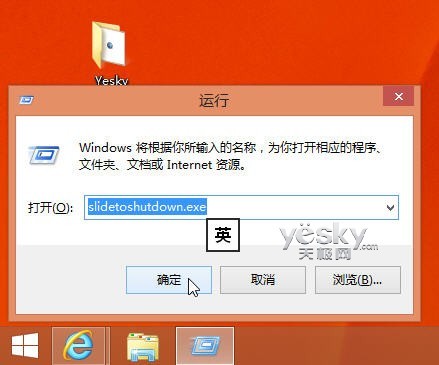
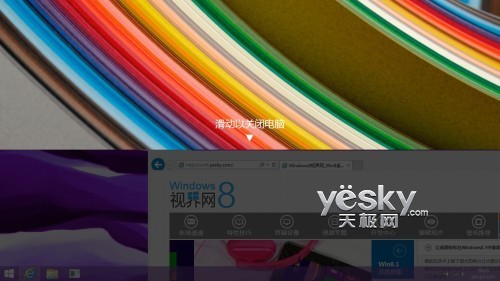
Windows 8.1 不僅提供 Charms 列與開始按鈕右鍵選單關機,還隱藏著一個超酷的「滑動關機」功能,操作如同手機滑動解鎖般直觀好玩。
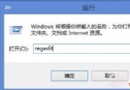
slidetoshutdown.exe
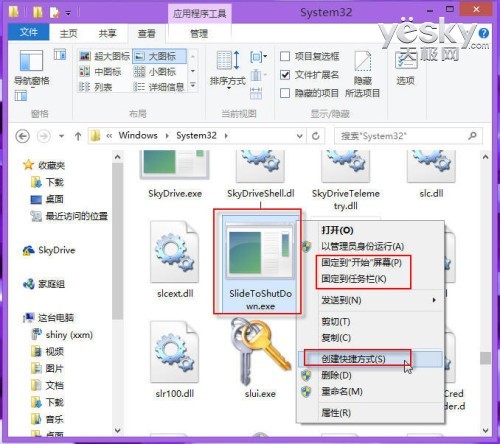
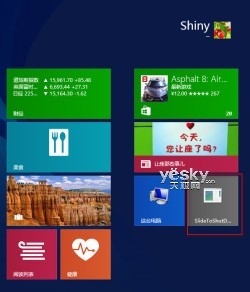
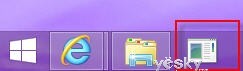
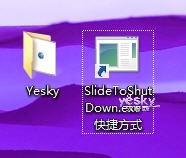
每次輸入指令太麻煩?可將其固定到開始畫面、工作列或建立桌面捷徑:
C:\Windows\System32
觸控螢幕裝置使用此功能最為順手,比傳統關機流程更直觀高效。
Win8.1 開始畫面應用快速篩選:依安裝日期、使用頻率、類別排序
Windows 8.1 音樂應用更新:離線播放本地音樂更直觀、效能優化
Windows 10 升級最低硬體規格需求:幾乎所有現役電腦皆可運行
Win8.1 Build 9369 內建 Metro 風格檔案總管:Files 應用曝光
解決 Windows 8 VirtualBox 安裝路徑錯誤與 VDI 轉 VHD 格式教學
Win8.1 將新增鬧鐘、錄音機、計算機三款原生應用,開始按鈕內測版已現蹤
Win10 Paint 3D 使用教學 從 2D 繪圖到 3D 建模入門 (重複條目完整版)
微軟官方公開資訊匯總:Windows 8 九大關鍵特性搶先知