Windows XP Windows 7 Windows 2003 Windows Vista Windows 綜合教學 Linux 系統教學
Windows 10 Windows 8 Windows 2008 Windows NT Windows Server 電腦軟體教學

Windows 8/8.1 螢幕截圖進階技巧:一鍵歸零編號與自動儲存至桌面

編輯:Win8 常見問題解答

Win+PrintScreen 自動儲存全螢幕截圖至「圖片\螢幕截圖」資料夾,檔名自動編號。透過登錄檔與符號連結可自訂編號起始值與儲存位置。

一鍵歸零編號(從 1 開始)

  1. regedit → HKEY_CURRENT_USER\Software\Microsoft\Windows\CurrentVersion\Explorer → 修改 ScreenshotIndex 為 1 → 重開機。
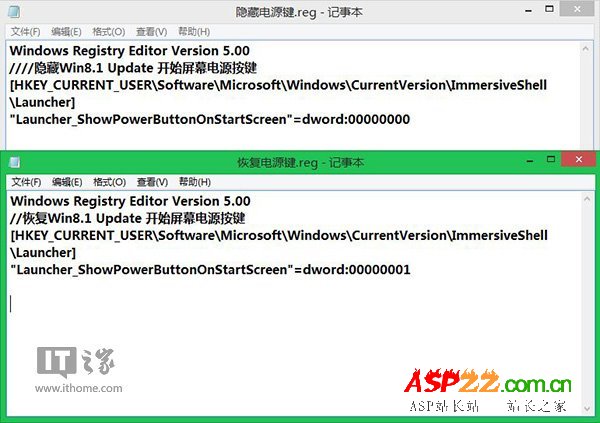
  2. 或匯入註冊表檔(含完整機碼值)實現可重複使用的一鍵歸零。

自動儲存至桌面

  1. 刪除原 圖片\螢幕截圖 資料夾。
  2. 管理員 CMD 執行:mklink /j "C:\Users\<用戶名>\Pictures\Screenshots" "C:\Users\<用戶名>\Desktop"
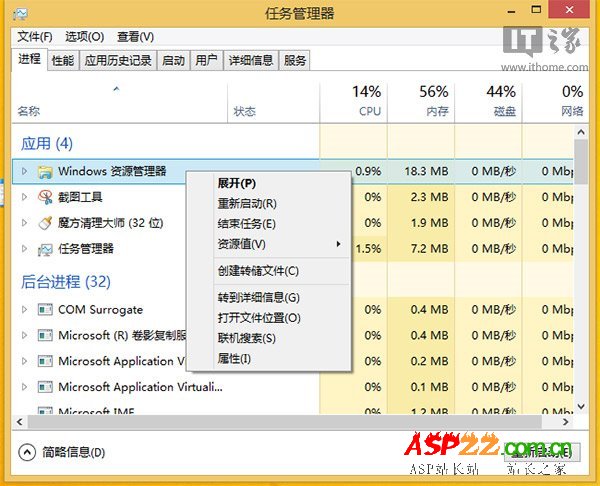
  3. 之後 Win+PrintScreen 截圖直接出現在桌面。

兩招讓截圖管理更符合個人習慣。

Copyright © Windows教程網 All Rights Reserved